5-4 Quality Control and Calibration
3. Select
Measure
.
4. Select
Run QC
.
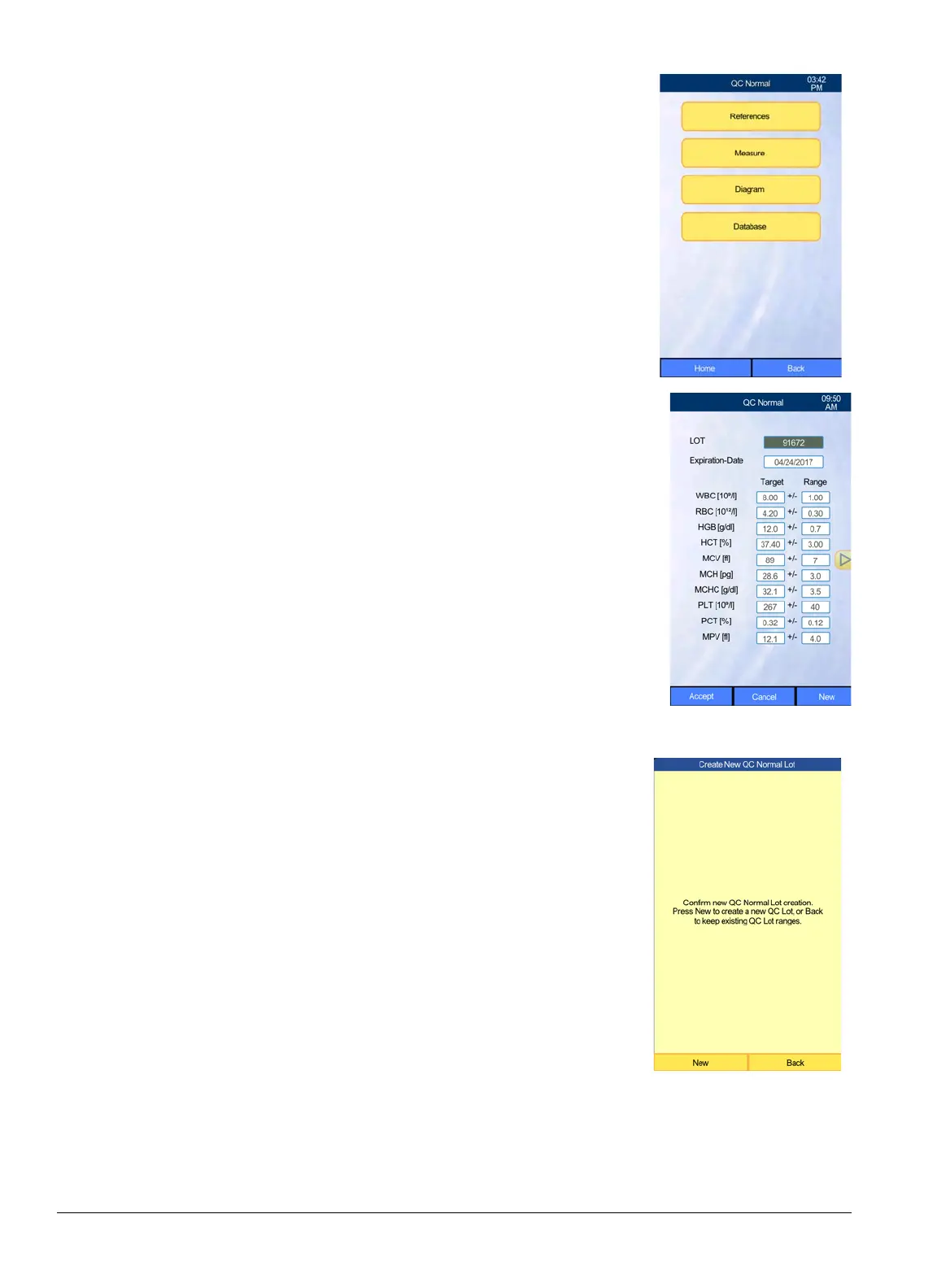
5. Compare the on-screen lot number, expiration date, and target
values with those shown on the package insert.
If the lot number and expiration date of the current control
tube in hand are the same as those displayed on-screen, verify
that the on-screen target and range values match those on the
control package insert, then select Accept and proceed to
“Running a Quality Control Sample” on page 5-8.
If the lot number and expiration date of the control tube are
different than those on-screen, select New.



 To Next Page