Quality Control and Calibration 5-7
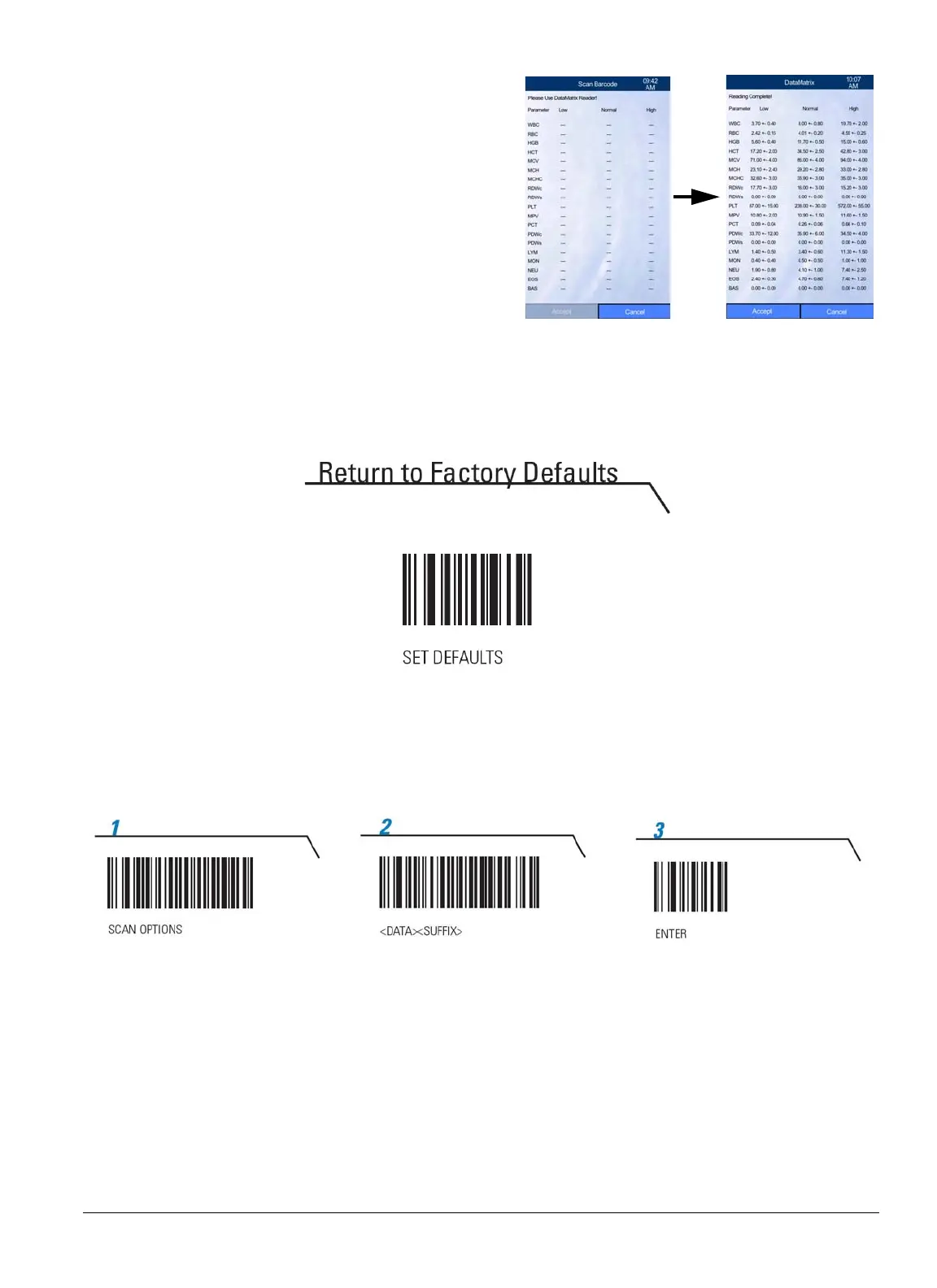
4. Verify that the loaded values are correct,
then select
Accept
.
5. Select
OK
to delete previous QC results and
save the new reference ranges.
6. If the 2D barcode reader will not scan the barcode, check the reader’s brand and model:
For a Motorola/Symbol reader: Scan “Return to Factory Defaults” below.
Then scan the three barcodes below: 1,2 then 3.



 To Next Page