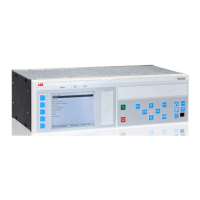
IEC12000178 V1 EN
Figure 26: Hardware tool view of the IED
Inserting an IED from the template library
An IED in the plant structure can be exported as a template (*.pcmt). The user can
build up a template library with all the exported IED templates. It is possible to insert
an IED from the template library to create a new IED in the plant structure. Change the
IP address, the name and the technical key that corresponds to the physical IED after
a template IED has been imported.
A template IED can only be inserted when the bay is selected in the
plant structure.
Procedure to insert a template IED
1. Right-click the Bay in the plant structure.
2. Select New and Create from Template ... to open the Create New Object from
Template window, see Figure 27.
1MRK 511 284-UEN A Section 4
Setting up a project
650 series 43
Engineering manual


 To Next Page
 Loading...