Reference on
the circuit dia-
gram
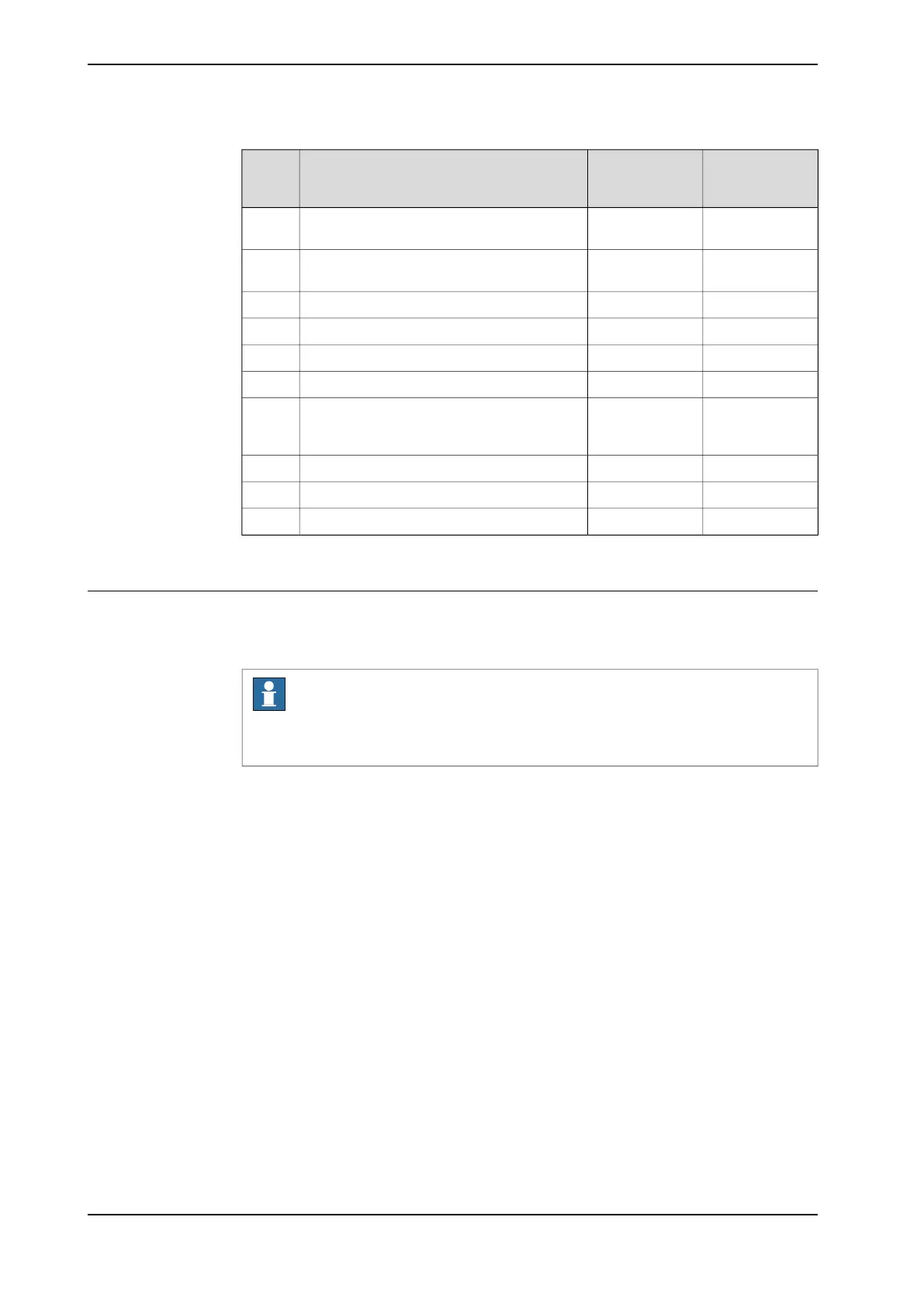
LabelDescription
K2-X14, K2-X15,
K2-X19, K2-X20
X14/X15/X19/X20Robot signal exchange proxy, customer inter-
face connection
F
K4ETHERNET
SWITCH
Ethernet switch connectionG
X4X4FlexPendant connector (TPU)H
X45X45IP20 power outlet connectorJ
X17X17IP20 DeviceNet connectorK
A2.K2-X1X18Fieldbus adapter slaveM
K7ABB Ability
TM
Connected Services Gateway, with Ability
port (option wired) or antenna connector
(options 3G or WiFi)
N
A2-X23WANWAN portP
A2-X2LANLAN portQ
A2-X3MGMTManagement portR
i
Not available for CRB 15000 controller.
ii
Only available for CRB 15000 controller.
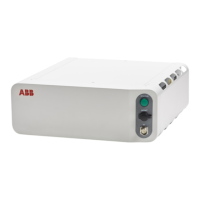
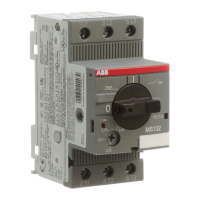
Power inlet switch
Use the power inlet switch to turn on and off power to the controller. It also possible
to restart the controller using the FlexPendant.
Note
When restarting the controller, wait until the LED PC STAT has turned off before
turning on power again.
Continues on next page
86 Product manual - OmniCore C30 Type A
3HAC089064-001 Revision: A
© Copyright 2024 ABB. All rights reserved.
3 Installation and commissioning
3.5.1 Connectors on the OmniCore C30 Type A controller
Continued



 To Next Page