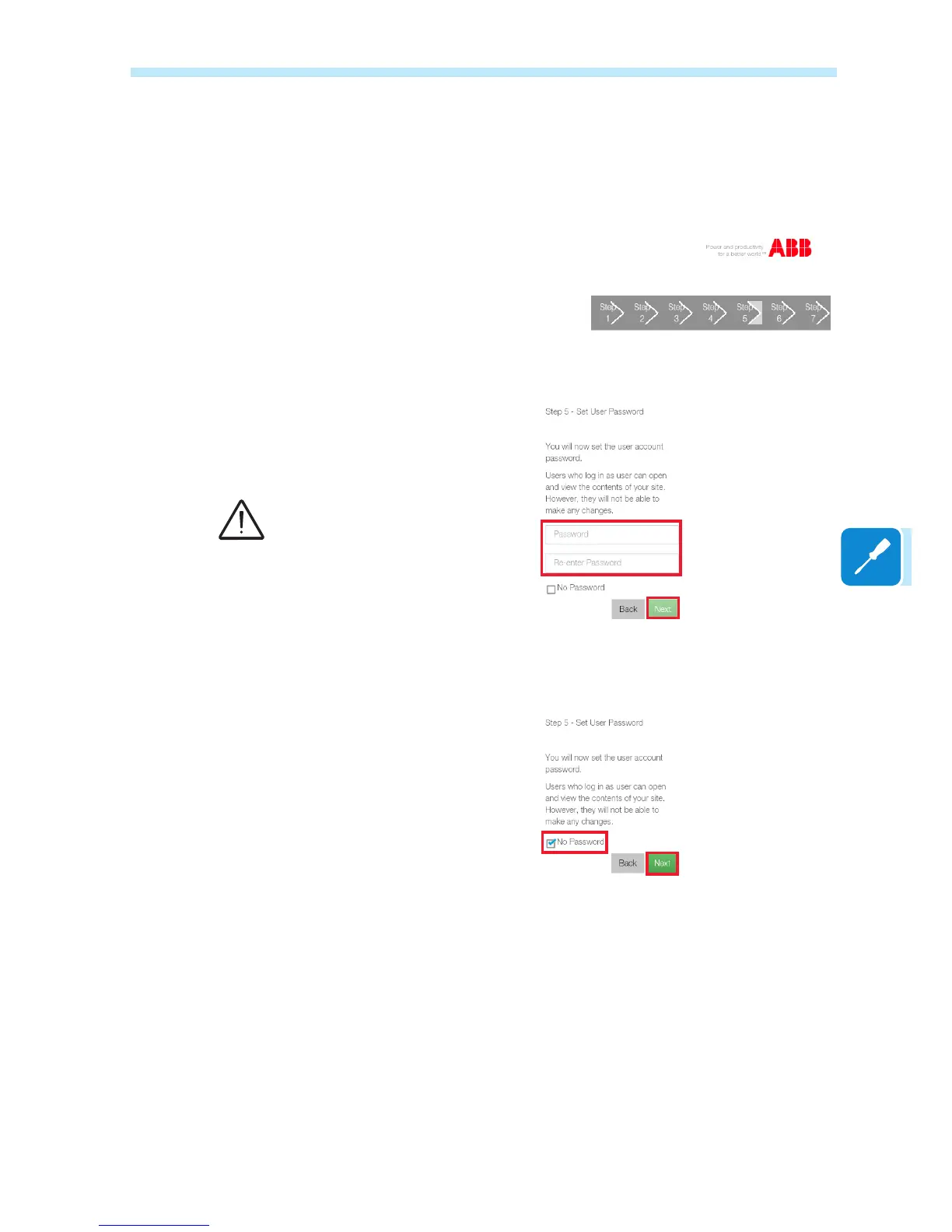
After this, the password for the User account is then set. This account is
a read only account of the data contained in the integrated Web Server
page. Entering this password is not mandatory
To set a password, enter it twice and conrm by clicking Next.
To disable the password request for the User account, tick the "No
Password" box and conrm by clicking on Next.
The password must contain at
least 5 alphanumeric characters
(UTF-8 code)



 To Next Page