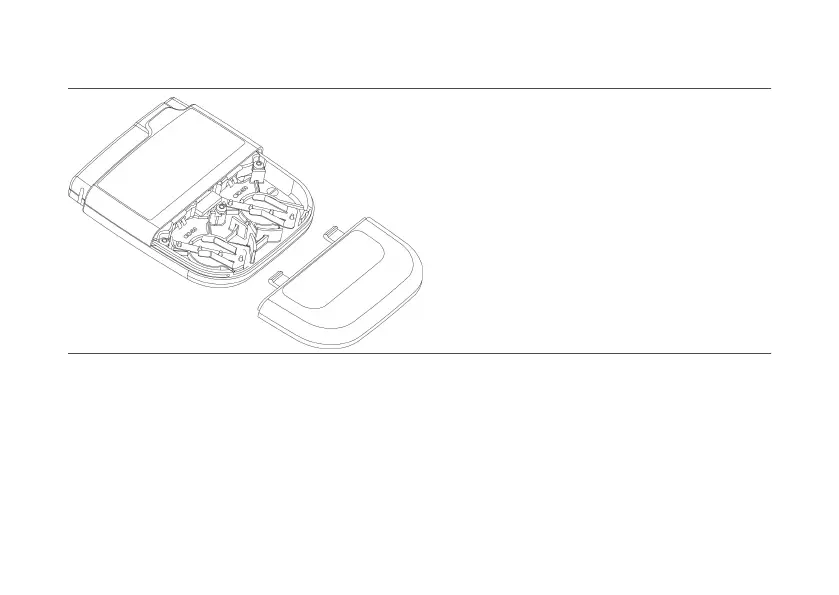
Figure 3. Baery compartment panel
3.
Remove the baeries by either:
3.
–
turning the EPG over so the baery compartment is facing down and lightly tapping the EPG in the
–
palm of your hand, or
–
pressing down on one side of the baery so the opposite side pops up, liing the baery out, and
–
repeang the process with the remaining baery.
4.
Insert a new baery into the baery compartment, paying aenon to the polarity direcons provided
4.
on the inside of the baery compartment.
5.
Insert the second baery into the second baery compartment.
5.
14
–
–



 To Next Page