The result will appear on the display screen, and if the sound
is on, the meter will beep twice. To mark the result as a control
solution result, press and hold the “c” button for two seconds until
the control solution symbol ( ) appears at the top of the display
screen.
If a blood glucose test is marked as a control solution test by
mistake, unmark it by pressing and holding the “c” button again
for two seconds.
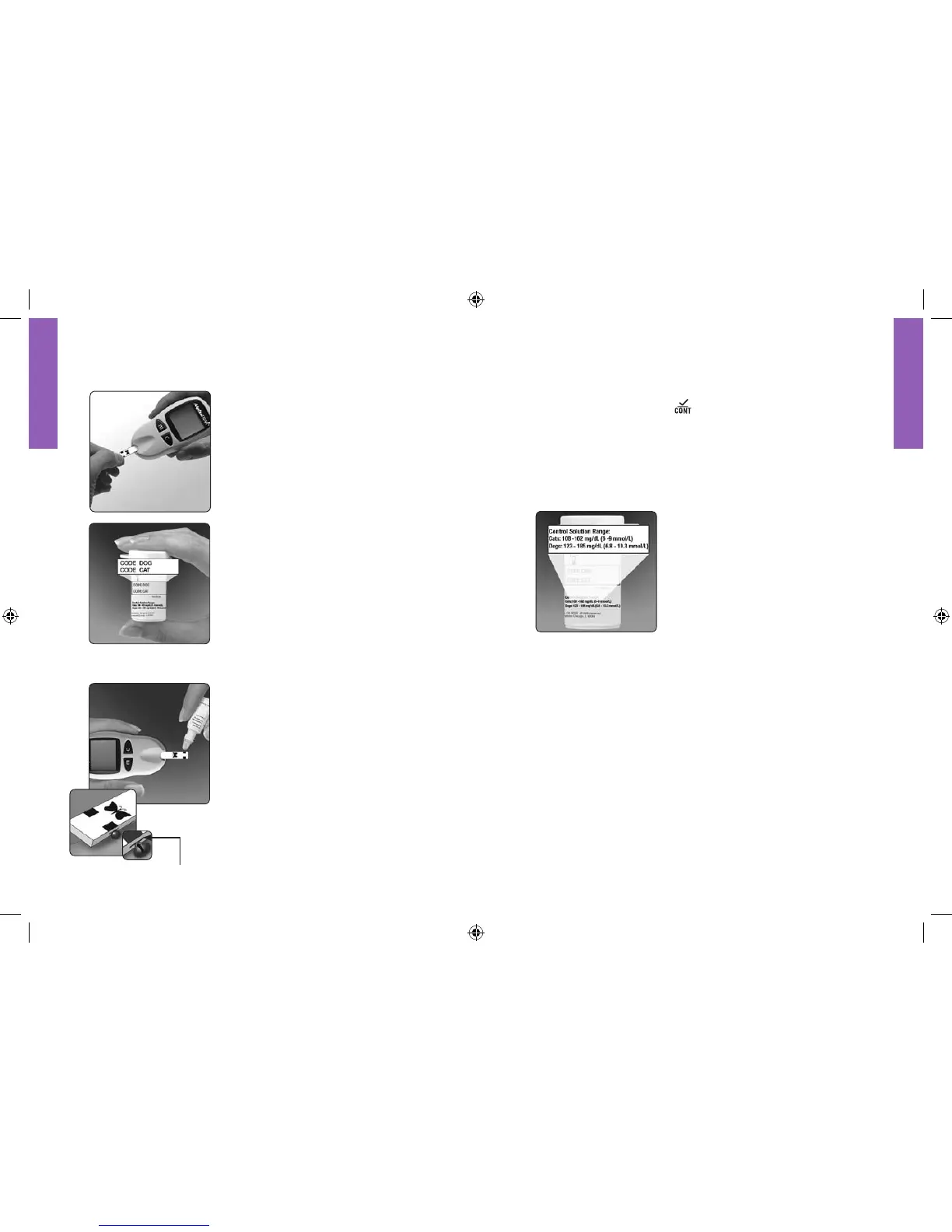
4 Compare the control solution test
result to the appropriate range printed
on the side of the test strip vial. The
control solution result should fall
within the appropriate range.
Out of range test results may be caused by:
− Expired or contaminated control solution.
− Expired or contaminated test strip.
− An error in performing the test.
− Concentrated or diluted control solution.
− Code on test strip vial does not match code set in meter.
− Meter malfunction.
− Control solution test performed outside 59° – 104°F (15° –
40°C).
See page 31 for troubleshooting.
To power off the meter, press and hold the “m” button.
Performing an AlphaTRAK Control Solution Test
1 To avoid contaminating the test strip,
ensure that hands are clean and dry.
Insert the top of the test strip into
the meter until it stops. Press the “m”
button to power on the meter.
2 The code number on the display must
match the code number on the side of
the test strip vial.
Note: Be ready to adjust the code on
the meter to match the CODE DOG
or CODE CAT number on the test
strip vial.
Wait for the meter to display the
Blood Drop and Test Strip symbols.
3 Gently touch the edge of one test strip
sample area to the control solution.
The test strip acts like a sponge and
pulls the control solution into the
strip through the sample area. If the
sound prompt is on, the meter will
beep when the test strip is full. A short
line then moves clockwise around
the display screen while the sample is
processing.
Important: Do not apply control
solution to both sample areas.
Sample area of
test strip















 To Next Page