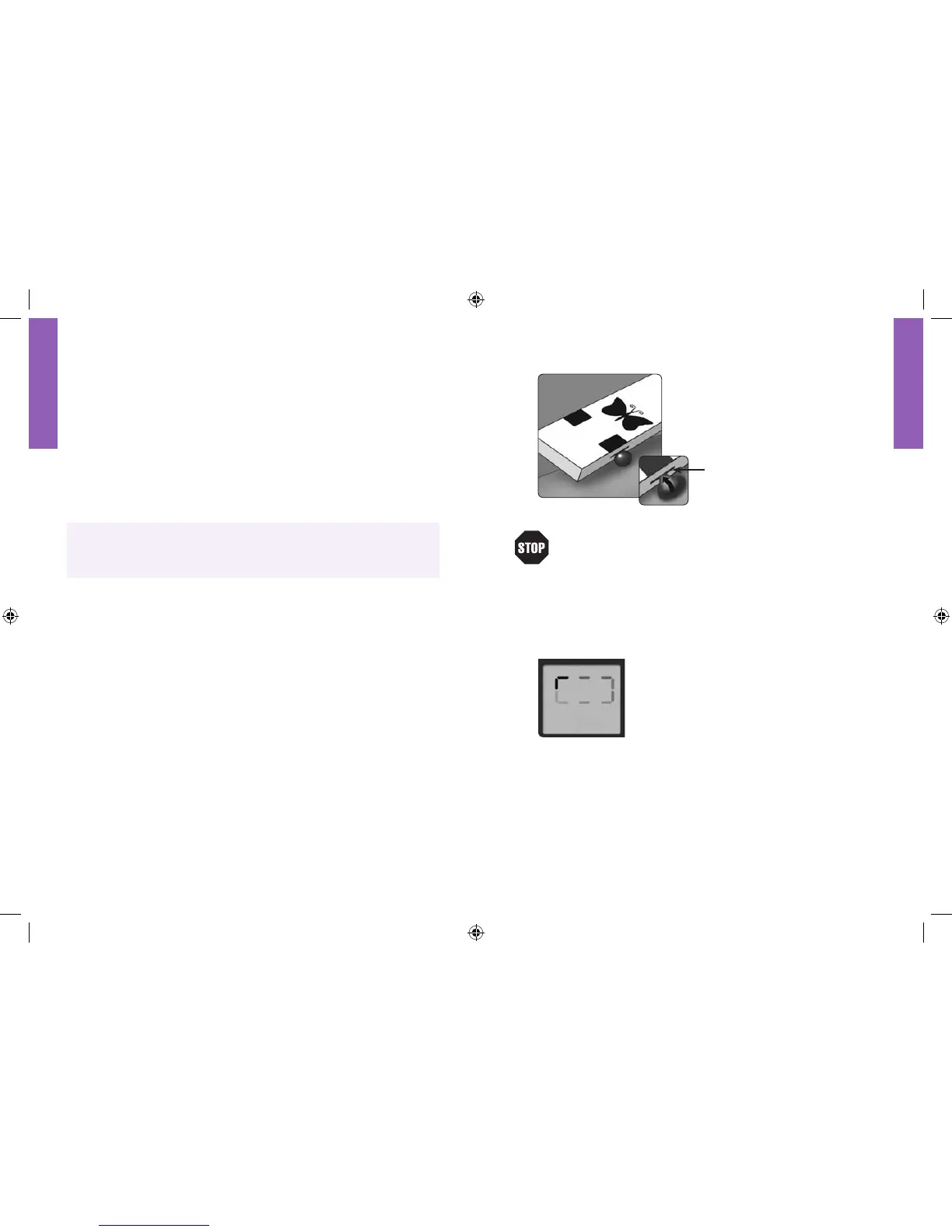
The test strip acts like a sponge
and pulls the blood into the strip
through the sample area.
Sample area of test strip
Do not• press the test strip against the sample site.
Do not• scrape the blood onto the test strip.
Do not• apply blood to the test strip when the test strip is
not inserted into the meter.
Do not• allow blood, control solution or foreign objects to
enter into the test strip port of the meter.
Waiting for Result
D• o not pull the test strip away from the
sample until one beep is heard or the short
line moving clockwise on the meter screen is
observed. This means the sample is adequate
and the meter is reading the glucose.
If after five seconds the meter displays a short dotted line •
moving back and forth on the display screen, an adequate
sample has not entered the test strip. Add more sample to
the same area of the test strip within 60 seconds from the
time of the first application.
2
Note: To ensure accurate test results, make sure the code number on
the meter always matches the number in the outlined box on the test
strip vial for either dog or cat.
When the word “COdE” and a code number is displayed, use the •
“c” button to scroll forward or the “m” button to scroll backward
until the number matches the number on the test strip vial. The
AlphaTRAK™ Meter has a total of 50 codes.
After setting the code number, the Blood Drop and Test Strip •
symbols will appear on the display screen.
T• o return to the code number display screen, press the “c” button.
Caution: Take care to not press the “c” or “m” buttons when
holding the meter while performing the blood test. This may
change the code and provide an incorrect reading or an Error 6.















 To Next Page