13
Blood Glucose
Measurement Units
Consult your healthcare professional
if you have any questions about the
blood glucose measurement units.
This screen shows the blood glucose
measurement units (mg/dL or mmol/L).
Press and Release the
button to
return to Set Beeper.
Press and Hold the
button to turn
your meter off.
You have successfully set up your meter.
CHAPTER 3
Why Calibrate Your Meter?
Your Optium Xceed meter must be calibrated so that it can
recognise the test strip you are using. Calibration ensures
that your results are accurate.
When to Calibrate Your Meter
• When you use the meter for the first time.
• EACH time you open and use a new box of blood
glucose or blood β-Ketone test strips.
What You Will Need
• Optium Xceed meter.
• For glucose calibration:
- Blood glucose test strip.
- Blood glucose test strip instructions for use.
- Blood glucose test strip calibrator.
• For β-Ketone calibration:
- Blood β-Ketone test strip.
- Blood β-Ketone test strip instructions for use.
- Blood β-Ketone test strip calibrator.
How to Calibrate Your Meter
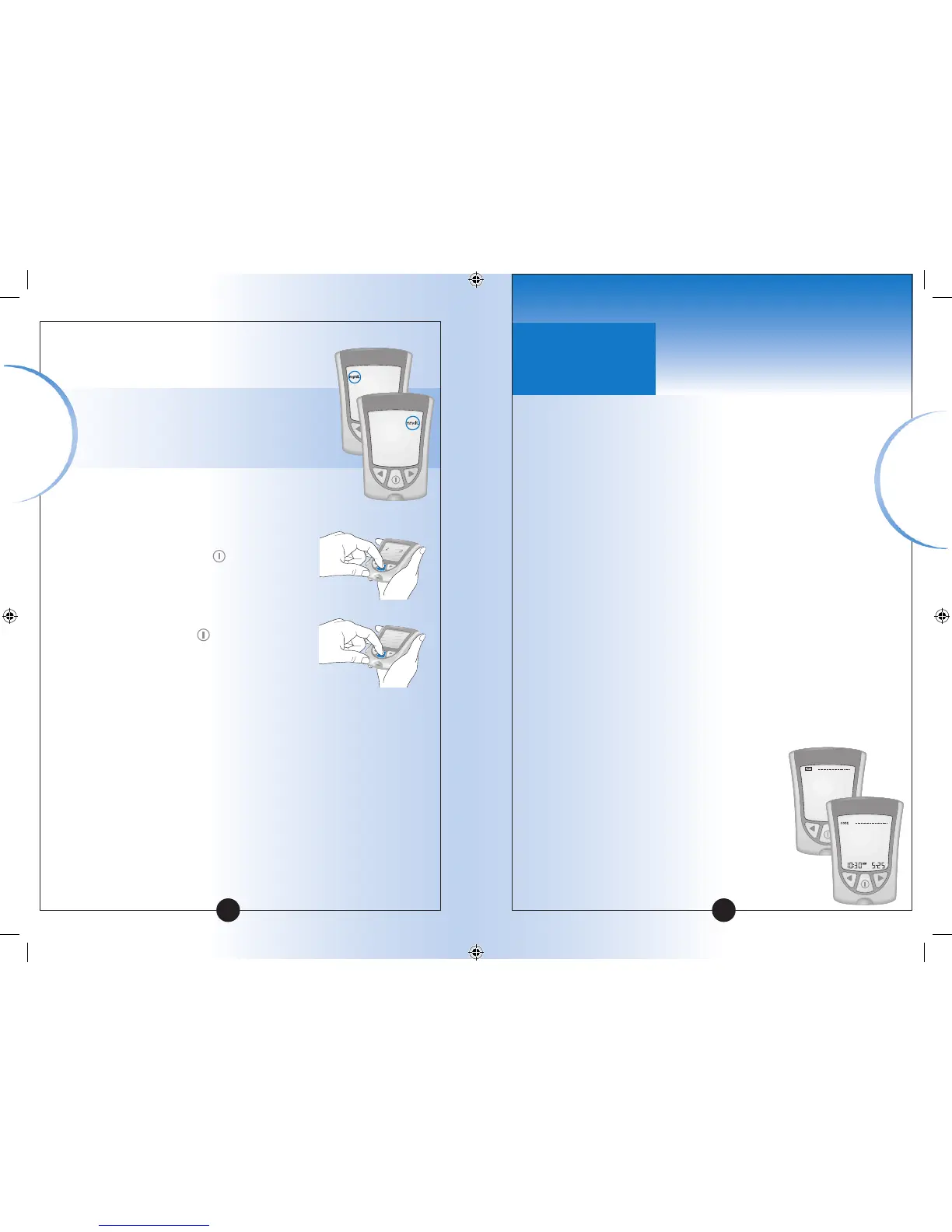
Before you insert a test strip for the
first time, please note:
This means the meter is not calibrated
for blood glucose monitoring.
This means the meter is not calibrated
for blood β-Ketone monitoring.
▼▼▼▼
Calibrating Your
Optium Xceed Meter
14
➡
➡
Questions? Call
Customer Support:
UK: 0500 467 466
Ireland: 1800 776633
Calibrating
Your Meter
▼
Setting Up
Your Meter














 To Next Page