4645
How to See Averages
Important:
•Results that show as LO during blood glucose
monitoring are included as 1.1 mmol/L
(20 mg/dL) in blood glucose averages.
•Results that show as HI during blood glucose
monitoring are included as 27.8 mmol/L
(500 mg/dL) in blood glucose averages.
▼
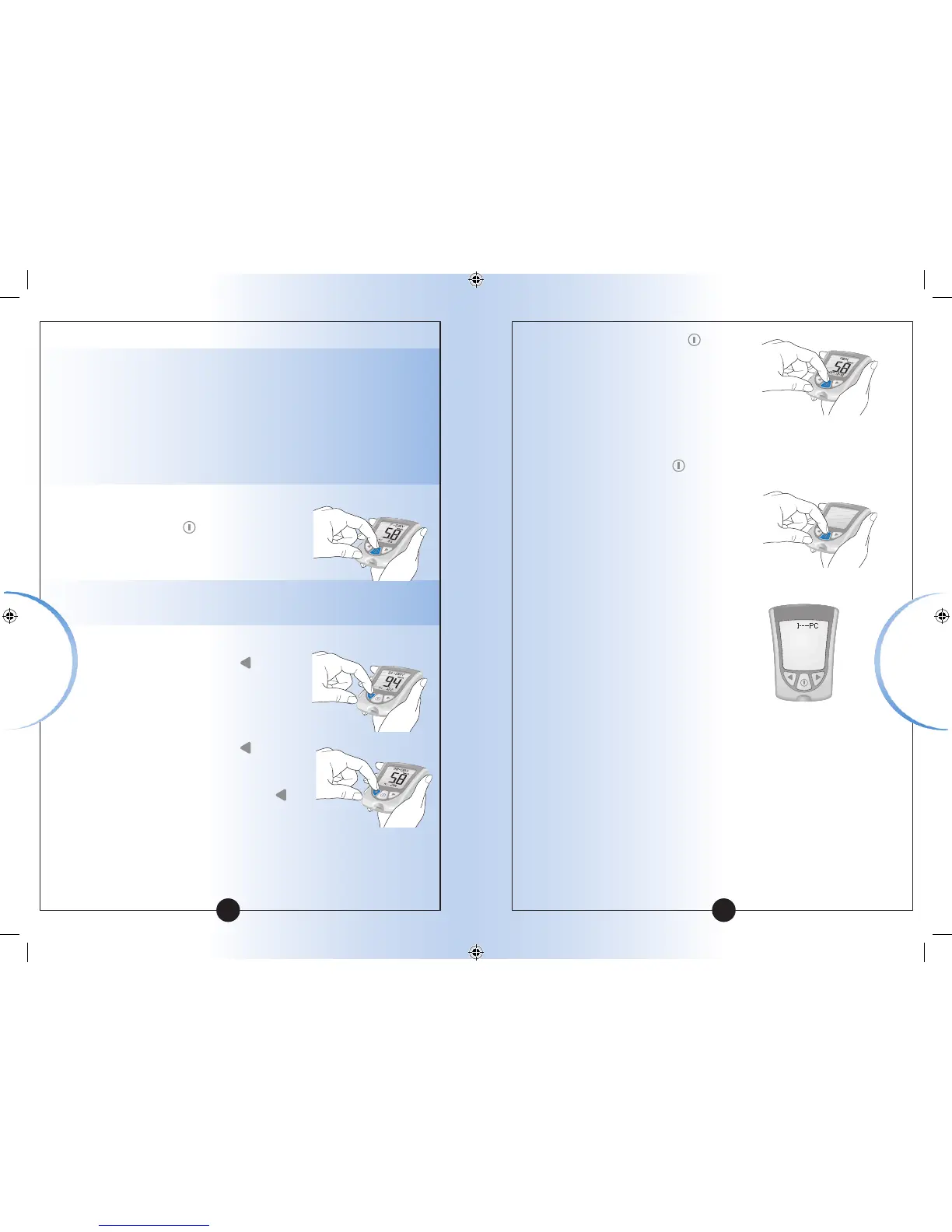
1
While in Memory, Press and
Release the
button at any
time to see the 7-Day average of
your blood glucose results.
Note: n means how many tests were performed
within the 7-, 14-, or 30-Day average period.
2
Press and Release the button
once to see the 14-Day average
of your blood glucose results.
3
Press and Release the button
again to see the 30-Day average
of your blood glucose results.
If you Press and Release the
button again, the display window
shows the 7-Day average.
4
Press and Release the
button
at any time to return to Memory.
5
Press and Hold the button to turn off your meter.
Otherwise, the meter turns off
after 30 seconds.
Transferring Your Results to a Computer
Download of test results to
a computer requires a compatible
data management system. For more
information, please go to our website
or call Customer Care.
▼
Reviewing Results
Reviewing Results














 To Next Page