12 Initial Setup
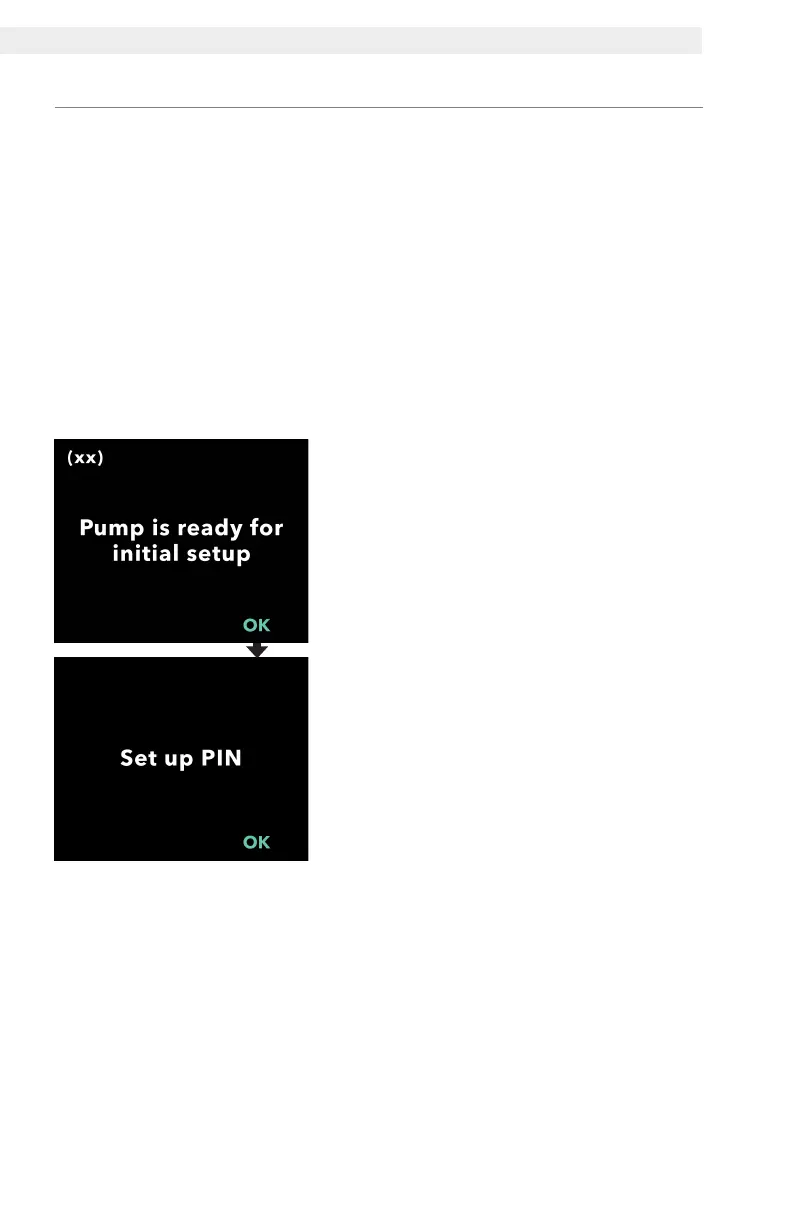
Set PIN
1. Follow the prompts on the display.
a. Press OK to advance.
b. Press OK again to begin setting the
PIN.
Note: This PIN will be needed to
access clinician settings in the future
in order to change therapy settings,
if needed. If you enter a PIN that is
not accepted, the screen will display
"Invalid PIN" after which you may try
again.
Note: The PIN can NOT be 4
repeating digits (e.g., 2222) and can
NOT be 4 consecutive digits (e.g.,
2345 or 5432).
2.3 Set PIN
When setting up the pump for the rst time, you must set a 4-digit PIN
that will be needed for later use (e.g., when changing patient values in
the future).
Note: Before creating the PIN, know all of the dose values you plan to
enter for the continuous dose (base, high, and low), extra dose, and
loading dose.
Important: If 5 minutes of inactivity elapses once setup begins, the
pump will automatically exit initial setup and NONE of the values, which
includes the PIN, will be saved; initial setup will need to be started from
the beginning. The values will be saved only after you have conrmed
the PIN and all dose values.


 To Next Page