ABEM Terrameter LS Toolbox
11
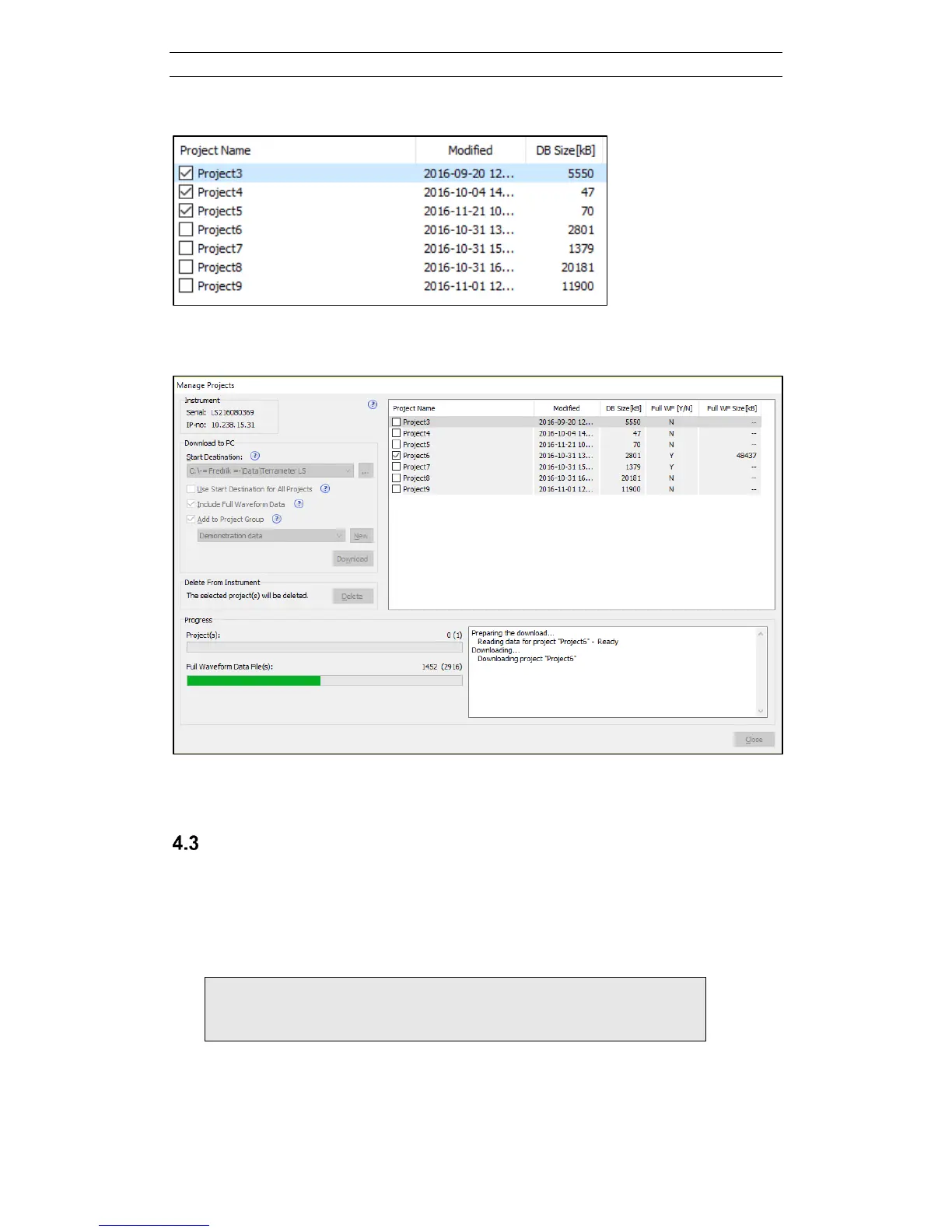
Figure 9. Three Projects selected for transfer
Figure 10. Transfer is ongoing
Spread and Protocol Transfer
The Spread and Protocol Transfer dialog (Figure 11) is opened by right clicking on
the tree node of the instrument and choosing Import/Export spread and protocol. The
two lists on the dialog are populated with spreads and protocols for the PC and the
instrument respectively, the PC to the left and the instrument to the right. Use the
checkboxes on either list (Figure 12) to select the spread(s) and protocol(s) to transfer.
Note! The protocols required for the selected spreads are not
automatically transferred. They must be explicitly
selected (Figure 12).
Press the respective arrow button to transfer from the PC to the instrument or vice
versa. The default directory in the PC is dependent on the Windows version
Terrameter LS Toolbox is run on. The current directory is shown, bottom-left, and it is



 To Next Page