ABEM Terrameter LS Toolbox
2
2 Installation
Note! Operating systems such as Windows 7, 8, 8.1 and 10 might have
limited access and permission to the “C:\Program Files” and “C:\Program Files
(x86)” folders, which might cause errors. To avoid issues it could be recommended
to install the Terrameter LS Toolbox in another folder, e.g. “C:\ABEM\Terrameter\”
The Terrameter LS Toolbox installer is available for download from www.abem.se.
The installation process is a matter of following a few simple steps.
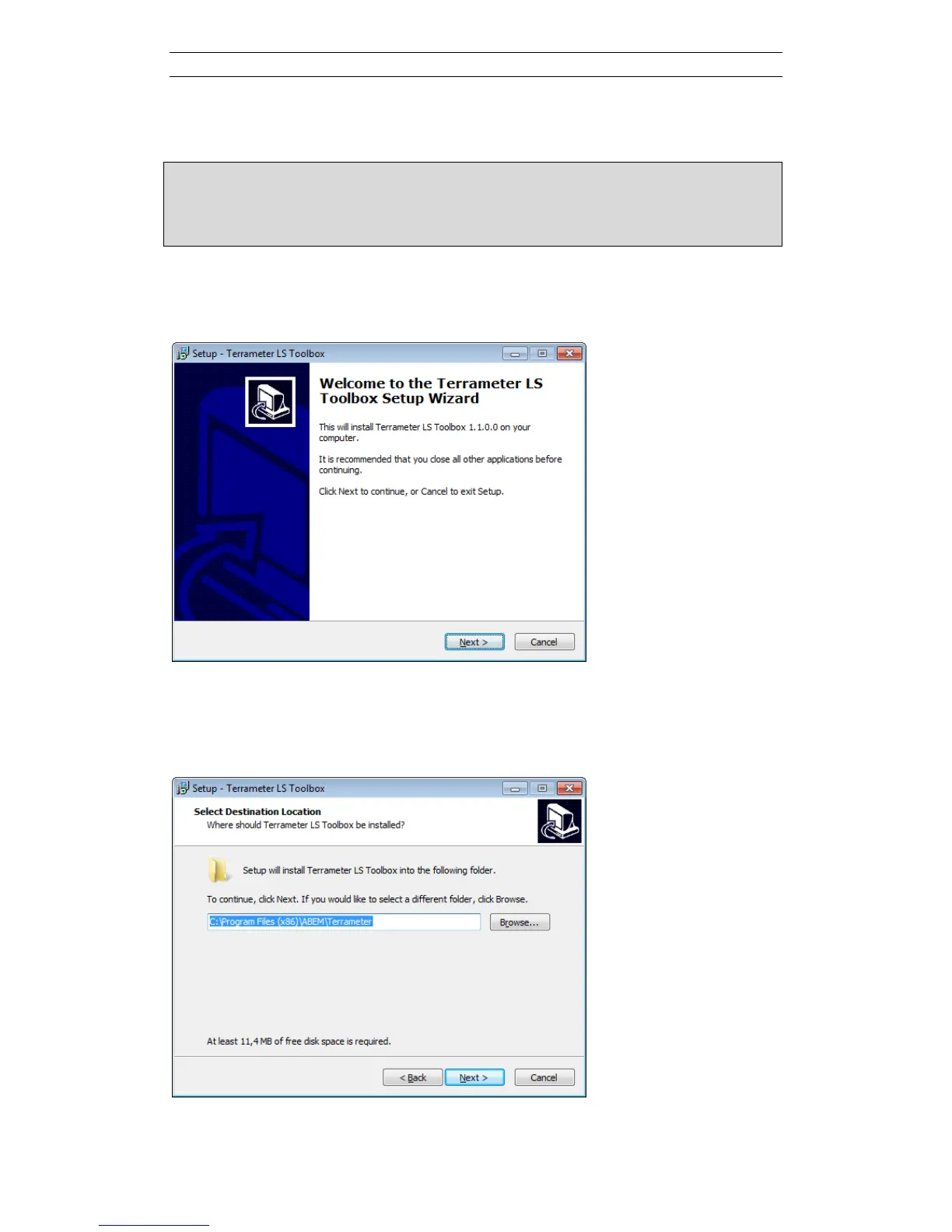
When the installation program is run, the following dialog first appears:
Click Next.
The default installation folder can be accepted or changed. To change click Browse…
or type directly in the text field.
Click Next.



 To Next Page