ABEM Terrameter LS Toolbox
27
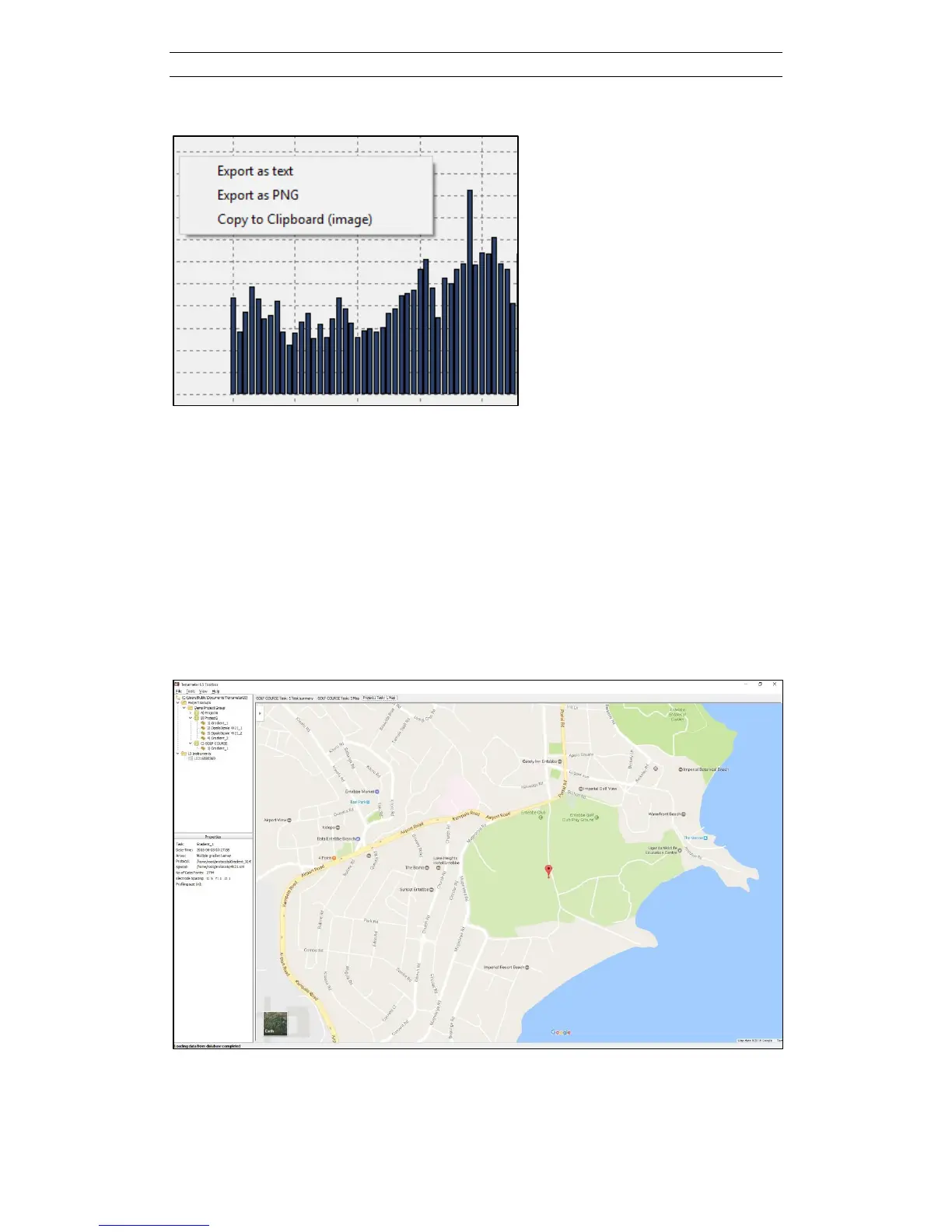
Figure 39. Right click to bring up export menu items
5.2.4 Show on Map
The geographical location of the measurement task can be plotted on a map using the
Show on Map function (Figure 40). This menu item is accessible via a right-click on
the tree node of the task. This function will only be available if it has been possible
for the built-in GPS to read signals from GPS satellites, hence it will not work for data
recorded indoors or for example under a tree canopy. This function also needs access
to Google Maps via the Internet to work. It is possible to use the standard features in
Google Maps such as zooming in the map and plotting as satellite image instead of
map.
Figure 40. Map view of task location according to the built-in GPS



 To Next Page