ABEM Terrameter LS Toolbox
14
Firmware Update
For the Terrameter LS there are two software that can be updates. The first is the
application software, which is the graphical user interface and the data acquisition
software. The second is the current transmitter software, also called current
transmitter firmware, which controls the behaviour of the current transmitter.
Both software can be downloaded from Guideline Geo’s web page. Go to the
Resource Center section under www.guidelinegeo.com and download the files
containing the latest versions.
4.4.1 Updating the application software
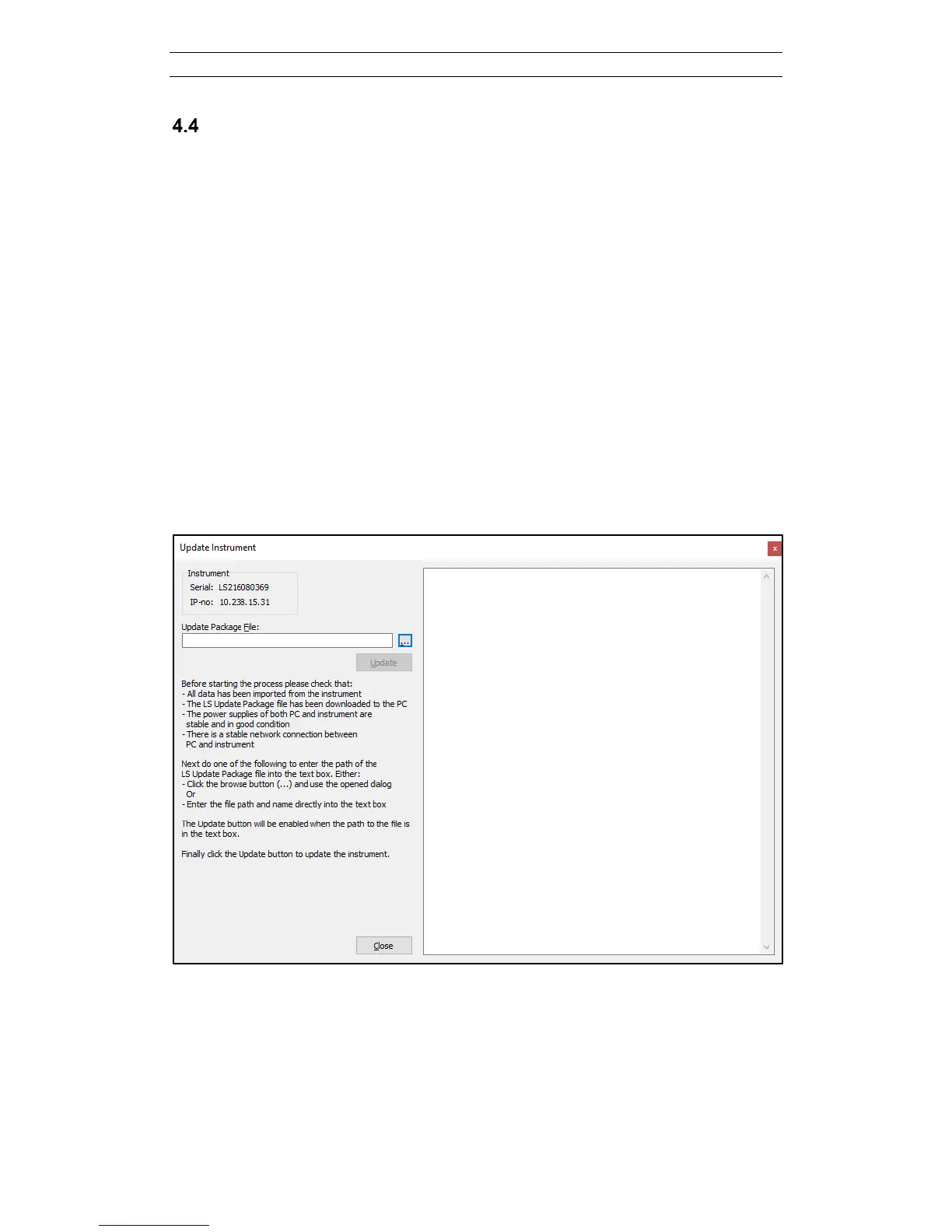
Open the Update Instrument dialog (Figure 15) by right-clicking on the tree node of
the instrument and choosing Update from the context menu. Now press the
“…” button to select the downloaded update package file, and then press Update to
start the installation process. The outcome of the installation process will be echoed in
the text box of the dialog (Figure 16). If the process was successful the Terrameter LS
will automatically re-boot, after which the new instrument software version is running
and the text box will say “Process completed” (Figure 17). Please verify that the new
version is shown on the “Welcome” page in the Terrameter LS.
Figure 15. Instrument firmware update dialog



 To Next Page