ABEM Terrameter LS Toolbox
18
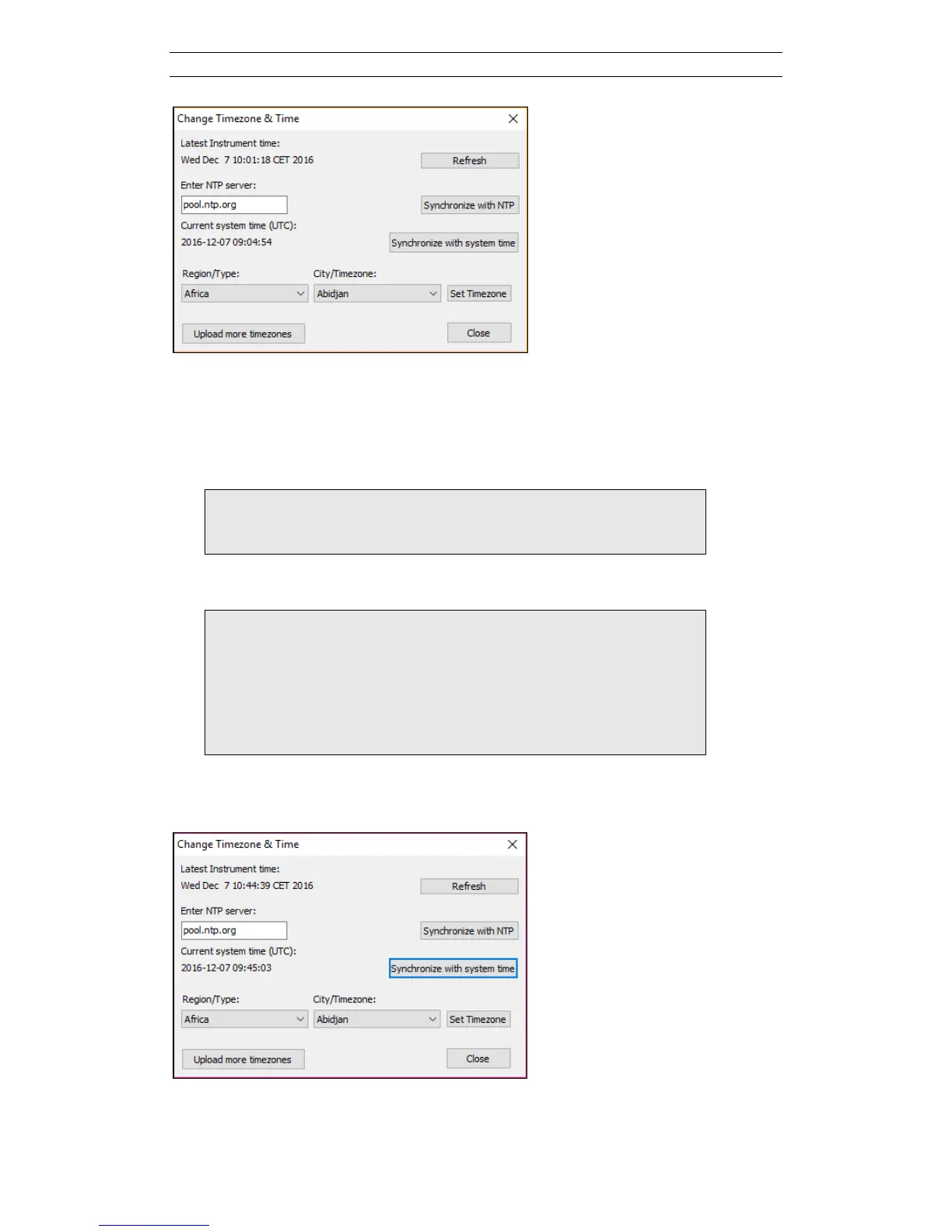
Figure 21. Change Timezone & Time dialog
The time is set by pressing one of the two Synchronize buttons. To change the
timezone start by selecting a Region/Type and then select a City/Timezone. Finally
press the Set Timezone button. The Refresh button will read the clock from the
instrument and update the Latest Instrument time to the left.
Note! Only the larger cities will be present in the list. If you
can’t find the exact one you are located in, select the
closest one.
Note! If there are very few Regions or Cities available in the
drop down list this may be because not all timezone
packages have been installed in the Terrameter LS. To
install all current timezone packages press the button
Upload more time zones. This will take a little while so
please be patient. Once installed it is necessary to close
and reopen the Change Timezone & Time dialog.
Figure 22. Synchronizing with system time



 To Next Page