ABEM Terrameter LS Toolbox
23
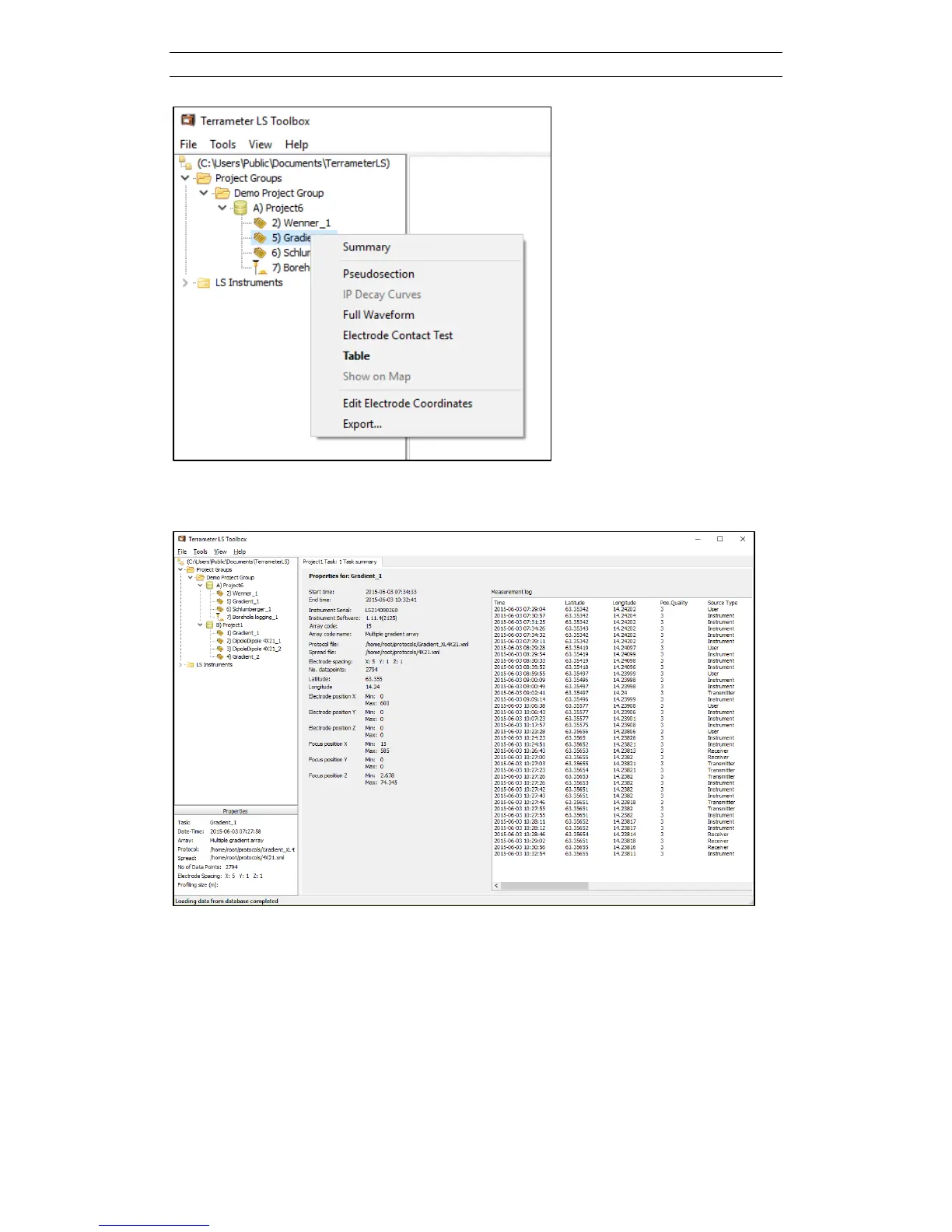
Figure 31. Right-click context menu of a task
Clicking on Summary will show a page similar to the one in Figure 32.
Figure 32. Task Summary page
Before viewing the task data, e.g. as a pseudo section, bad data points can be filtered
away. Filtering is done via the Table context menu item (see chapter 5.2.1).
All task context menu items are explained in the following subchapters.



 To Next Page