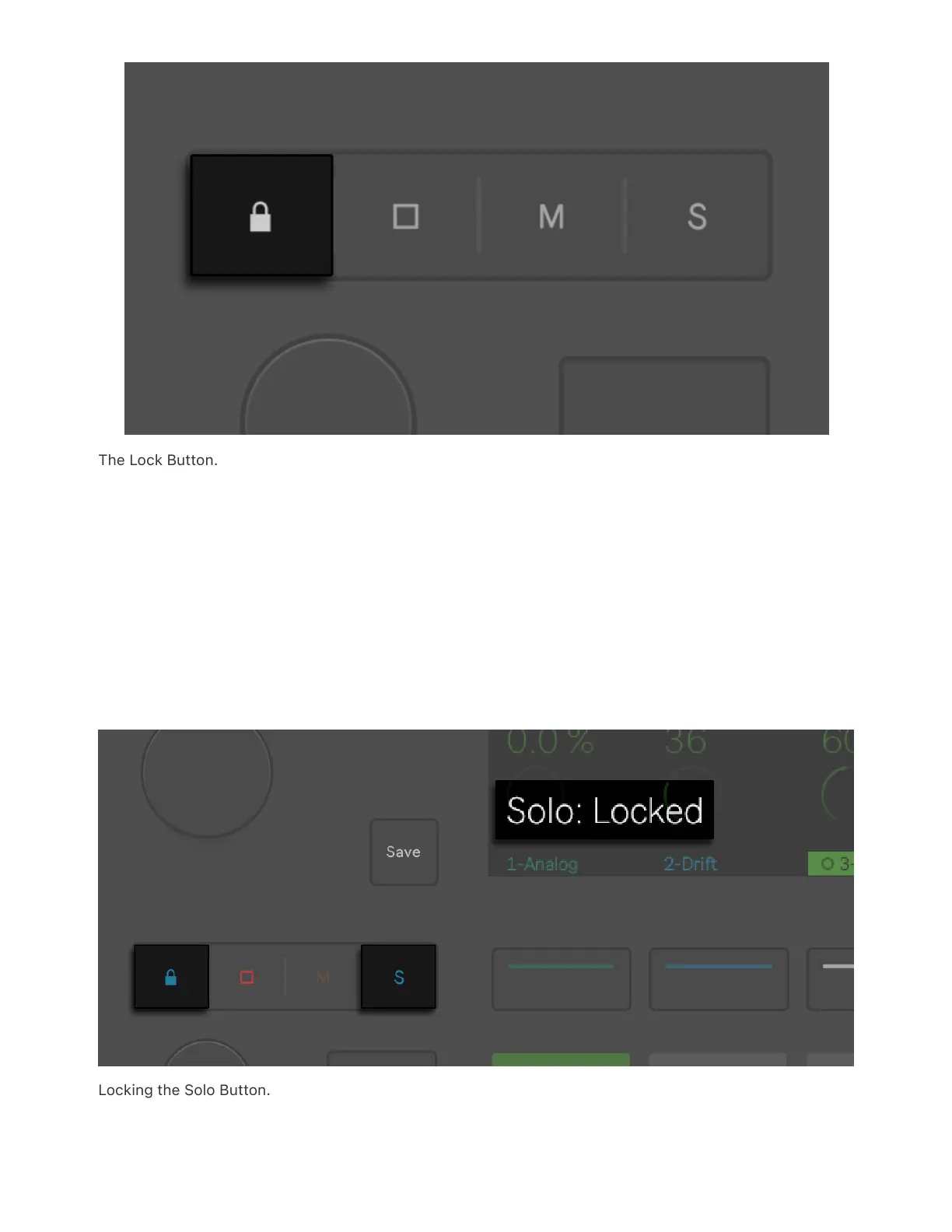
The Lock Button.
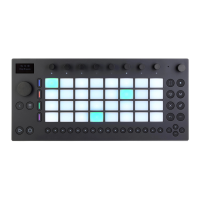
Hold the Lock button, then press Stop Clip, Mute, or Solo button to lock
one of those actions to the lower display buttons. The Lock button and
the selected action button will start flashing and pressing a track’s
lower display button will result in the selected action being applied to
the track. For example, if you lock the Solo button, you will simply need
to press a track’s lower display button to solo that track.
Locking the Solo Button.



 To Next Page