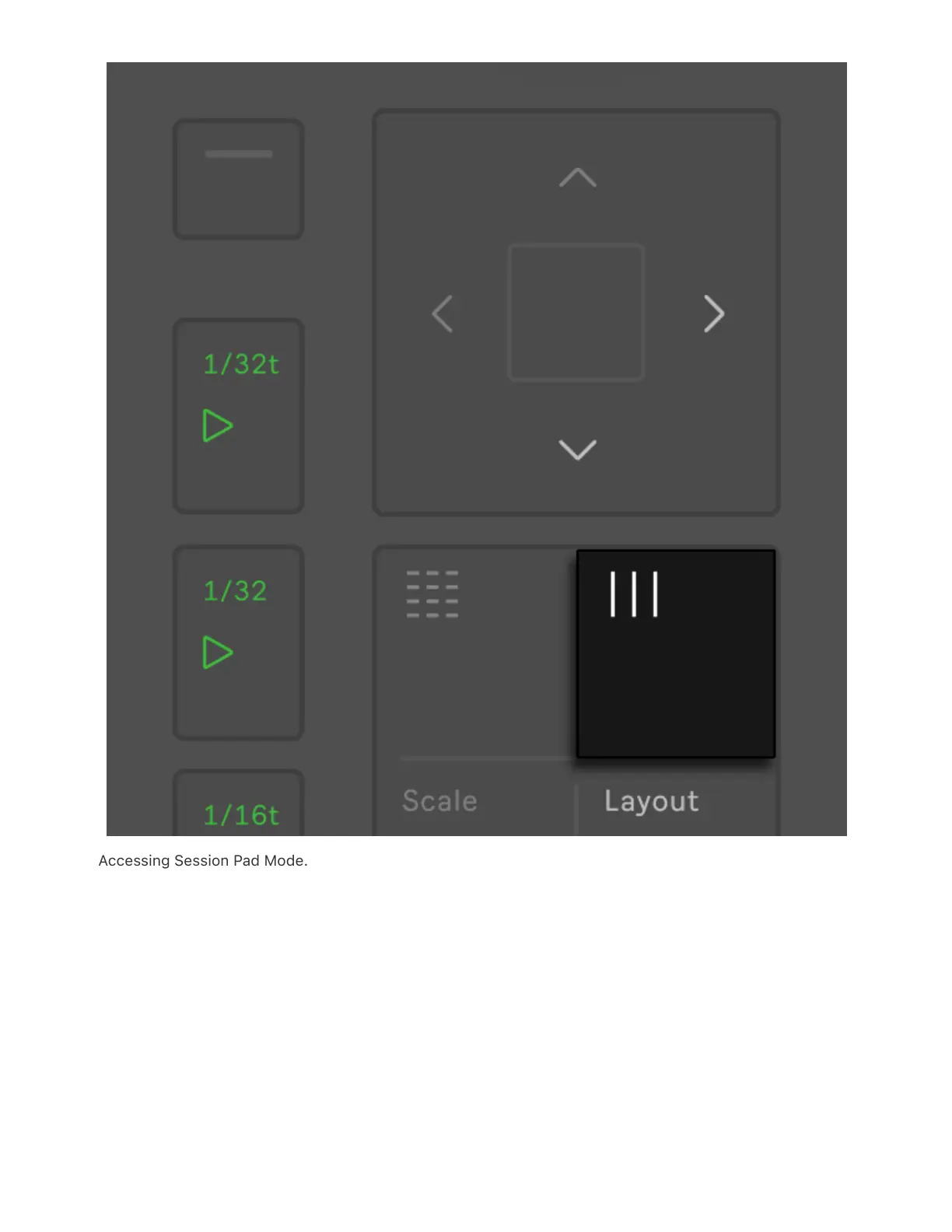
Accessing Session Pad Mode.
Tip: When in Note Mode, you can press and hold the Session button to
temporarily toggle Session Pad Mode. Releasing the button will then
return Push to Note Mode. Likewise, pressing and holding Note while in
Session Pad Mode will temporarily toggle Note Mode.
In the Session Pad Mode you can navigate through scenes and tracks



 To Next Page