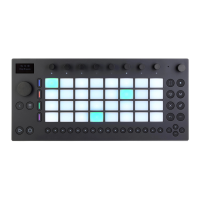
Scenes Buttons.
During playback, the currently playing step is indicated by the moving
green pad in the step sequencer. When Record is enabled, the moving
pad will be red. Tapping a step that has been added to the sequencer
will delete it. You can press and hold the Mute button while tapping a
step to mute it. Press and hold the Solo button while tapping a pad to
solo that sound.



 To Next Page