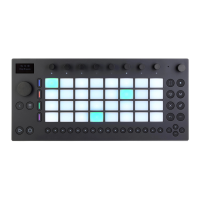
Mute and Solo Buttons.
You can also adjust the velocity and micro-timing of individual notes, as
described in the section on automating in a step sequencer.
To delete the entire sequenced pattern, press the Delete button. To
delete all the steps that belong to a specific Drum Rack pad, hold the
Delete button and then press that pad. Note that holding Delete while
pressing a pad that has no recorded steps in the current pattern
deletes all of the devices from that pad.
The Delete Button.
The pad colors in the step sequencer area indicate the following:



 To Next Page