27
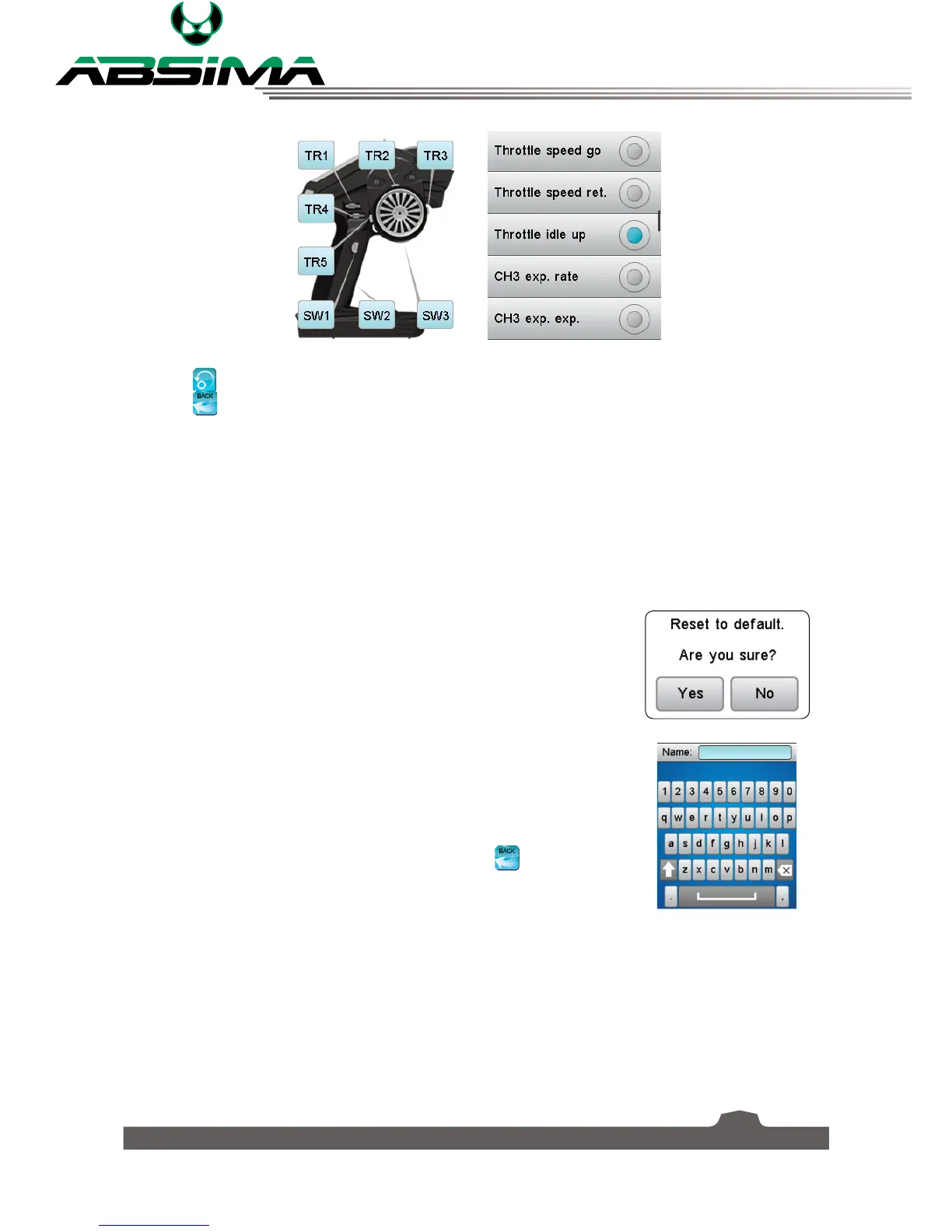
Select the icon to reset the function.
Select the
icon to return to the previous menu.
6.21 Models
This function is used to change, reset, rename or copy model setups. The CR4T Ultimate can store up to
20 different models in the internal memory.
[
Select model
]: Changes the current model.
Touch [
Select model
] and then choose the name of the model to load it.
[
Reset model
]: Changes the current model settings to the factory default.
To reset a model:
1. Make sure the current model is the one you want to reset. If not, select
the desired model as described above.
2. Select [
Reset model
] and then [
Yes
] in the confirmation box. The
model will be reset to the factory default.
[
Name
]: Renames the current model.
To name a model:
1. Make sure the current model is the one you want to rename. If not,
select the desired model as described above.
2. Touch [
Name
] and a keyboard is displayed.
3. Enter the name using the keyboard. Then press the
icon to save.



 To Next Page