31
7.7 Choose Sensors
The main screen can display the value of up to 4 sensors. This function is used to select which sensors to
display.
To choose a sensor:
1. Select a slot, 1, 2, 3 or 4. Any sensors that are connected will automatically populate this list.
2. Select the desired sensor and exit the function.
To set the alarm limits for a sensor:
1. Activate the function. Make sure that the
icon is displayed in the bottom left corner. If not, press
the
icon to enable.
2. Select [
Low alarm
] or [
High alarm
] and then move the wheel to adjust the value.
3. Select the
icon to return to the previous menu.
There are 2 types of sensors, basic and advanced. A basic sensor only reports back 1 value, but an
advanced sensor is able to monitor several things at once, for example altitude, temperature and speed.
7.8 Speed and Distance
This function is used to monitor the model's RPM (Revolutions Per Minute) and how far it has traveled.
You can set the following parameter in this menu:
• [
Speed sensor
]: Selects the desired sensor. If a sensor is connected, it will display in the menu.
• [
Set rotation length
]: When attaching a speed sensor to a wheel etc, it is important that the sensor
knows exactly how far out from the sensor it is. The system uses this distance to calculate distance
traveled.
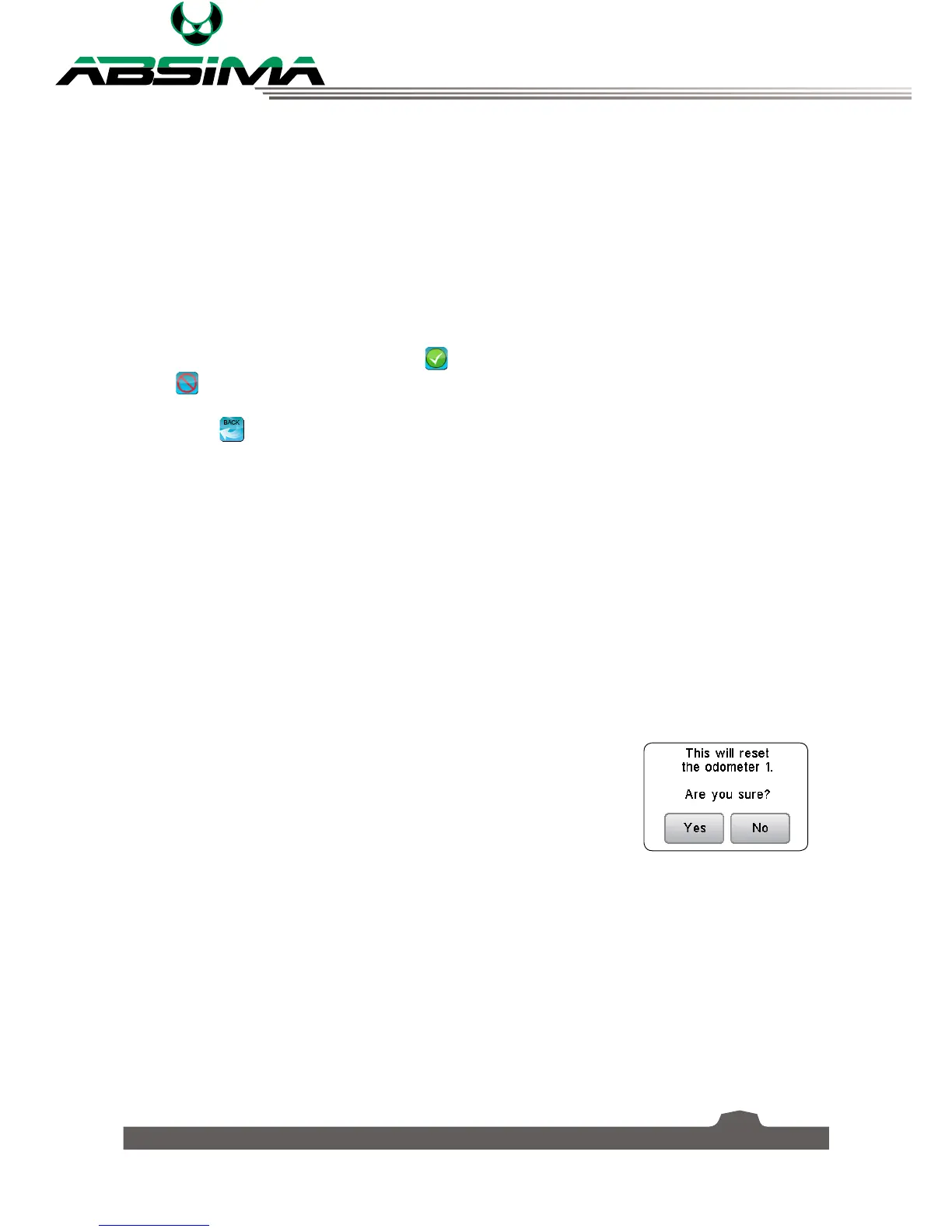
• Reset odometer 1
Resets odometer 1 to 0. Odometer 1 records the distance traveled
during a session. Note that restarting the system will also reset
odometer 1.
• Reset odometer 2
Resets odometer 2 to 0. Odometer 2 records the total distance traveled
since last reset. This means that the distance over several sessions will
be added together.


 To Next Page