Device menu
41
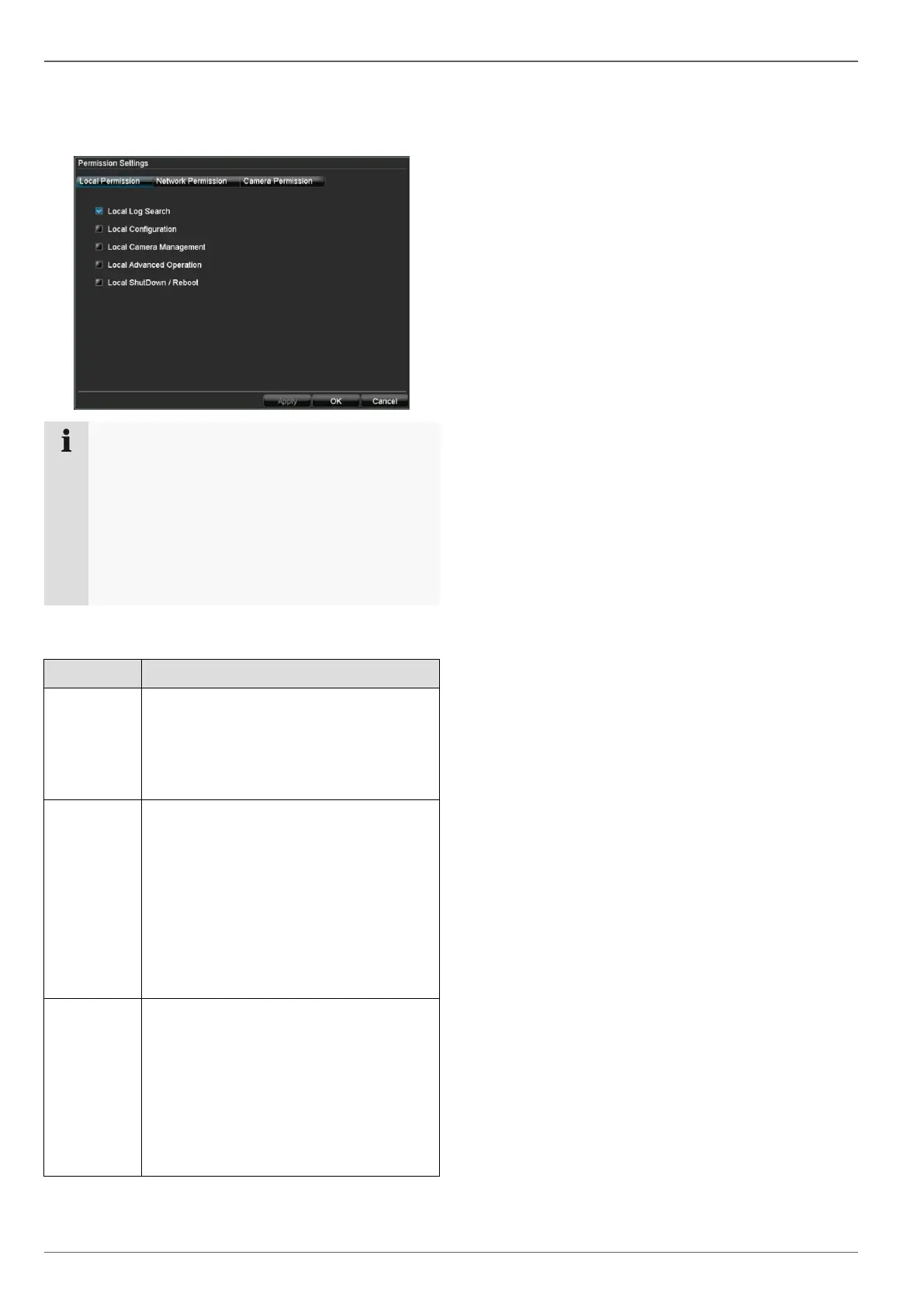
Setting the access rights
4. Control the access rights of the user by clicking on
“Permission”:
Note
The user can make the settings locally (i.e. on the
device) or change the parameters.
The user can access the device via the network
connection.
The “Camera Permission” tab is used to set ac-
cess rights for individual cameras (network or lo-
cal).
5. Switch tabs by clicking on the arrows in the tab bar:
Local Log Search
Local Configuration
Local Camera Management
Local Advanced Operation
Local ShutDown / Reboot
Network Log Search
Network Configuration
Network Camera Management
Control Serial Connections
Video Output Control
Two-way Audio
Alarm Control
Network Advanced Operation
Network ShutDown / Reboot
Remote Live View
Local Manual Recording
Start Remote Recording
Local Playback
Remote Playback
Local PTZ Control
Remote PTZ Control
Local Data Export



 To Next Page