Live view
19
Full-screen view for selected camera
Displays the next camera(s)
Starts the camera sequence
Zooms in on the image section
Switches to playback mode
Note
Stop Auto-switch:
Specify the delay in the image sequence in the
display settings.
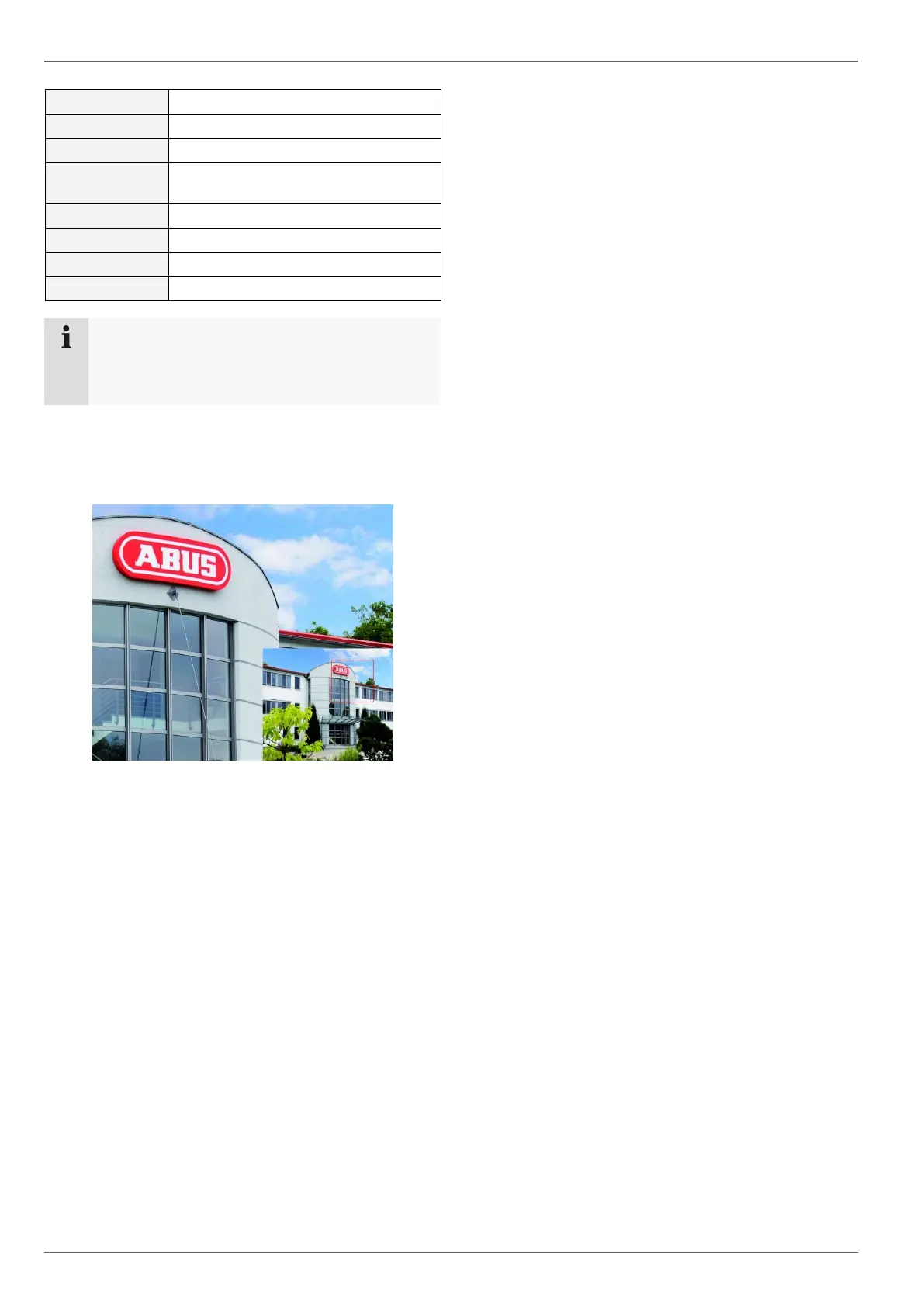
Digital Zoom
This function opens an image which has been enlarged
by four times.
Left-click the mouse in the small image window and
pull a frame around the image section to be zoomed
in on whilst holding the button down.
The selected section is then digitally zoomed.
To exit the image, first right-click the mouse and then
left-click on “Exit”.



 To Next Page