PTZ control
25
PTZ control
General information
PTZ control is used to access individual PTZ cameras
and control them manually.
Note
When using ABUS PTZ-Cameras there is the op-
tion to configure tours directly in the camera. The
advantage is that other control devices, e.g. key-
board, can call the tours as well.
In order to open the menu of ABUS PTZ-
Cameras enter Preset 95. By using the naviga-
tion buttons you can move within the menu.
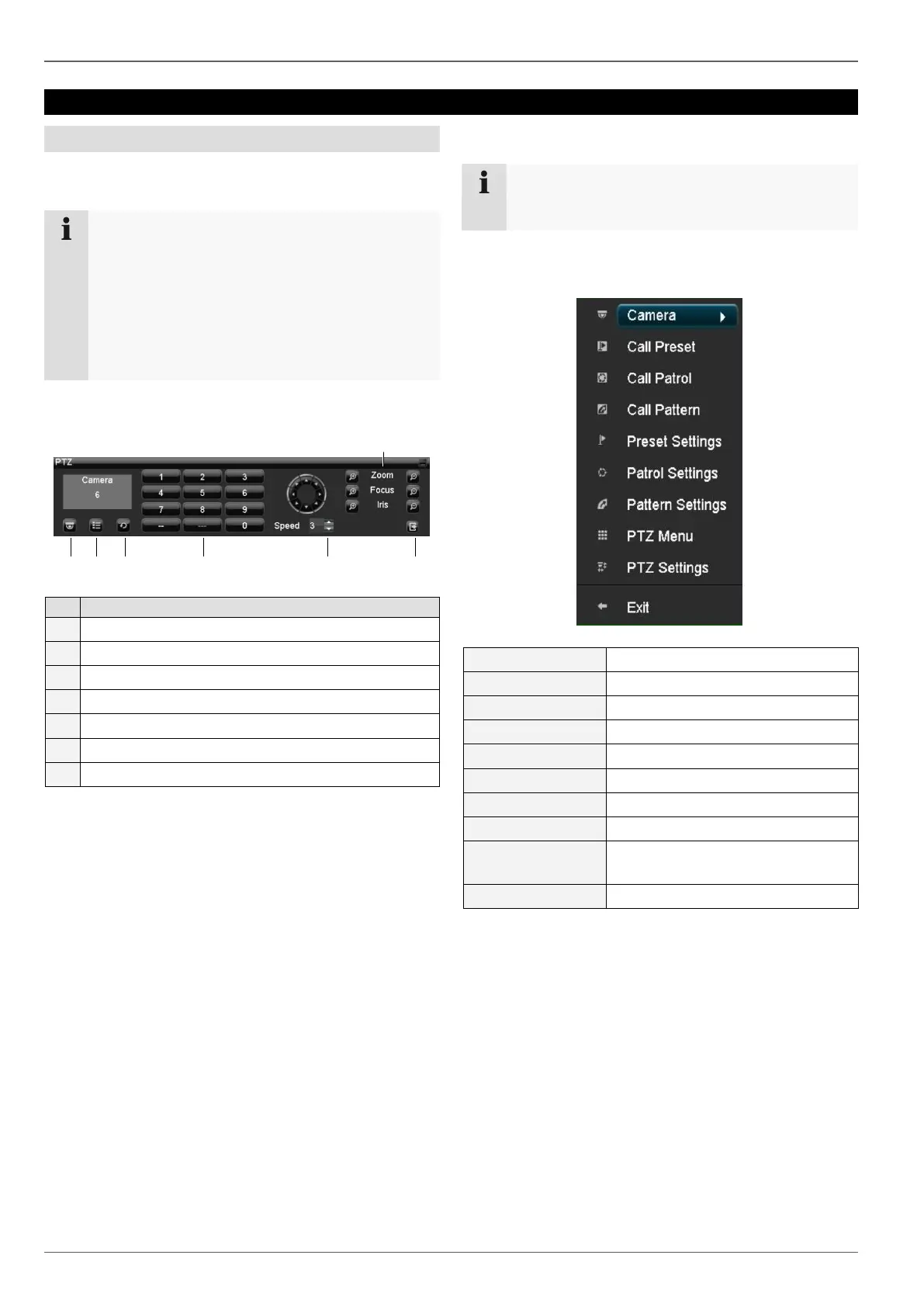
Using the PTZ control panel
Selects and displays the PTZ camera
Zoom, focus and iris adjustment
Pop-up menu for mouse operation
Note
Press the right mouse button when the cursor is
positioned on a live image.
The following settings can be made. The arrow pointing
to the right indicates that a sub-menu is opened for selec-
tion:
Selects the specific patrol
Selects the defined pattern
Displays the hardware parameters
of the connected camera



 To Next Page