Device menu
30
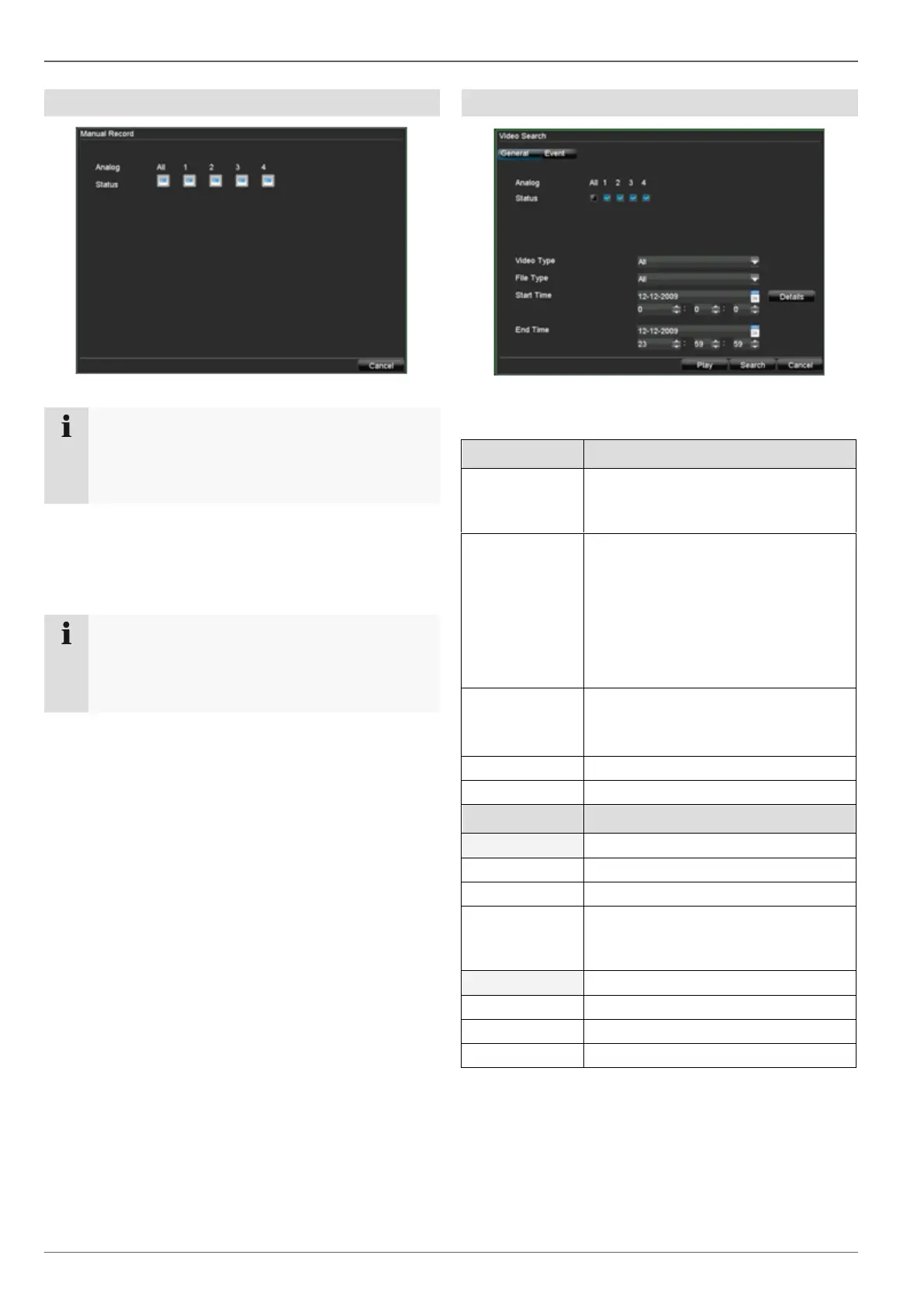
Manual Record
Note
Only active cameras can be selected for manual
recording.
The recording starts immediately.
1. Select the camera by ticking the corresponding box.
2. After a camera has been selected, the box changes
to ON.
3. Click “All” to select all cameras.
Note
Starting manual recording on the control panel:
Select the camera.
Press the REC key.
Video Search
Parameters for Video Search
Overview of analogue cameras
Used for searching the selected
cameras
Continuous
Motion detection
Alarm
Motion detection or alarm
Motion detection and alarm
Manual recording
All
Alarm input, motion detection
Overview of cameras
Used for searching the selected
cameras
Selection of the triggered alarm input



 To Next Page