Device menu
37
Activated when box is ticked
Daylight Saving Time Bias: Correc-
tion of the DST to the reference time
Unique specification of the device
Used for unique identification when
using remote control
Scroll bar (left = darker;
right = brighter)
1:1, 3:1, 1:3 or Non-transparent –
used for managing the display of the
OSD in front of the background im-
age
1 to 30 minutes – regulates how long
the menu is shown
Displays a symbol at the bottom-left
of the live image when an event oc-
curs
System Settings: Camera
20
Selection of the camera (only previ-
ously activated cameras can be se-
lected)
Clear identification of the camera
(e.g. right car park, front entry gate
etc.)
Format of the displayed date
12-hour / 24-hour display
OSD transparent, flashing, non-
transparent etc.
Screen position of the OSD
Selection of whether the settings
should be copied to another camera
(and if so, to which camera)
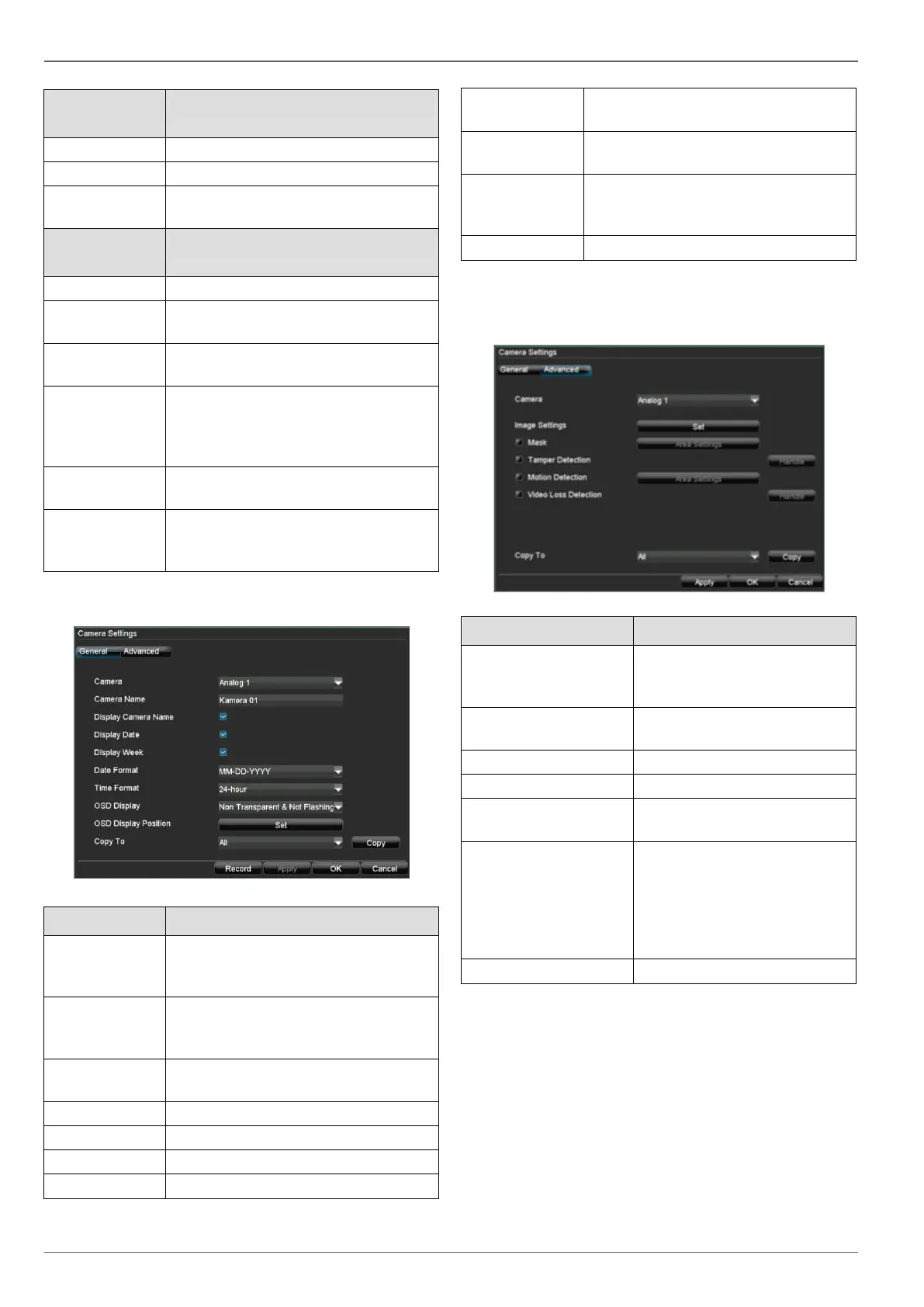
6. Select “Advanced” to specify the other camera set-
tings.
Selection of the camera (only
previously activated cameras
can be selected)
Brightness, contrast, satura-
tion and colour
Setting up of privacy zones
Setting up of zones for motion
detection
Activation according to the de-
finable schedule and notifica-
tion (display, acoustic alarm,
notification of surveillance
centre, e-mail, trigger of an
alarm output)



 To Next Page