Setting up a connection
13
Setting up a connection
Setting up the system
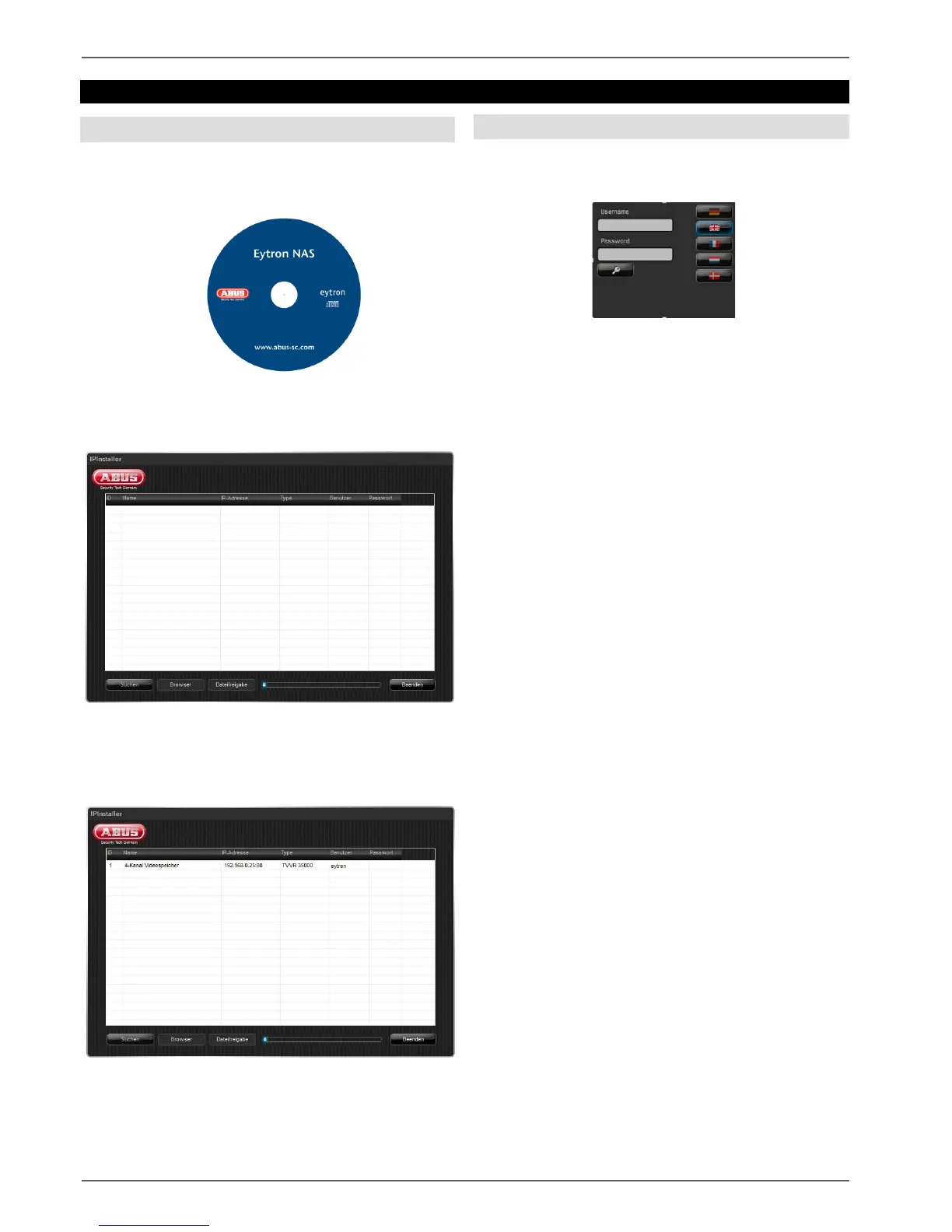
Install and start the “IP Installer” on the enclosed
software CD.
Click “Search” – the program will search the network for
any connected NAS devices.
Once the search is finished, you will be shown a list of
devices found in the network. When you double-click a
list entry, a connection to the video buffer is set up.
Login
Select your preferred language. Enter “eytron” in the
“User name” field.
Login at the system by clicking the key switch.



 To Next Page