Live image
16
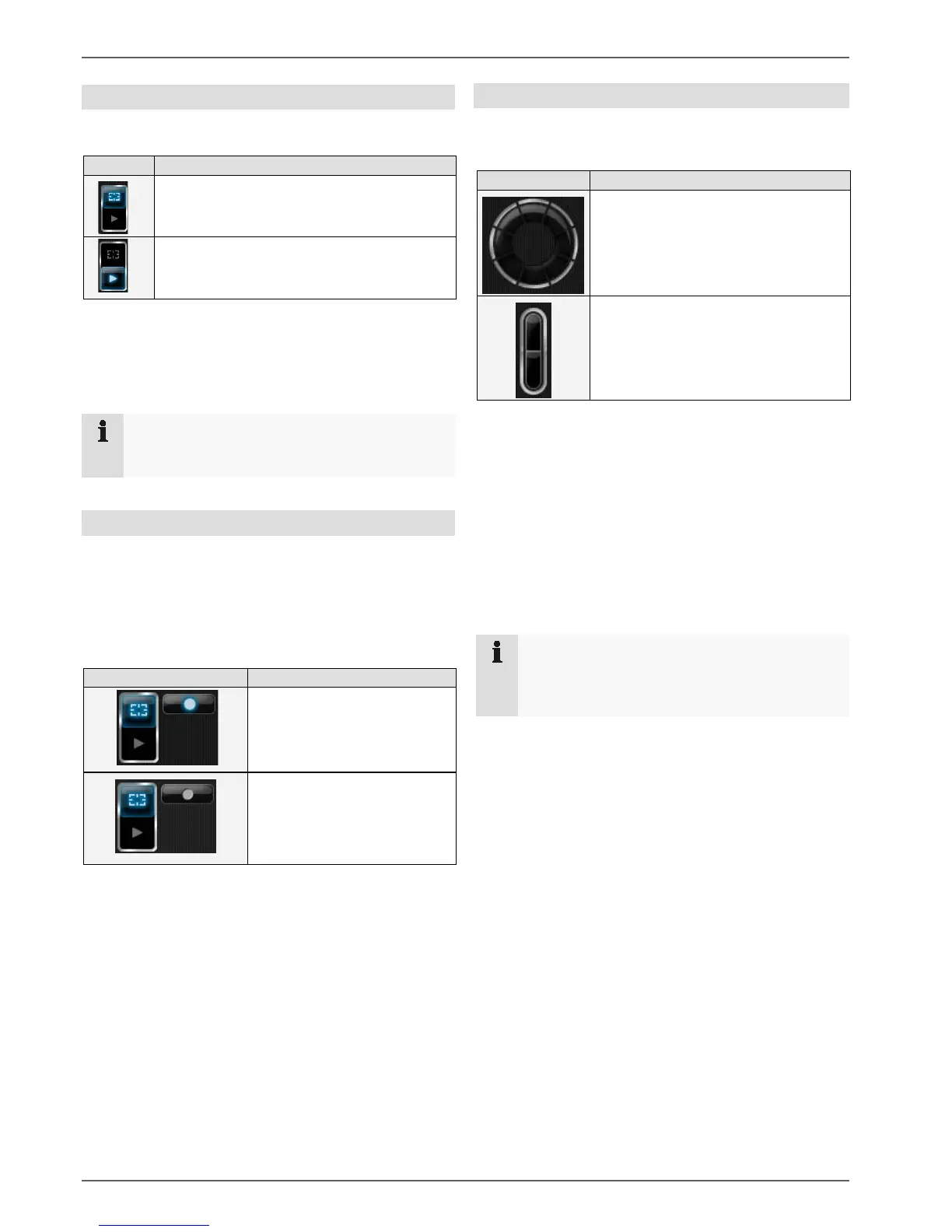
Operating mode
A basic distinction is made between two categories:
Live mode
Playback mode
The live mode is used for viewing what is currently being
monitored by the system’s cameras.
The playback mode is used to access the video data re-
corded by the individual cameras.
Note
For more information on the playback mode, see
page 20.
Manual recording (Panic Record)
Activating the Manual Recording button ensures that re-
cordings are made from all the currently activated cam-
eras. The recording continues until the button is deacti-
vated again.
It is then possible to watch the recordings in Playback
mode.
Manual recording ON
Camera control
The operating panel on the lower right-hand edge of the
screen is used to control pan/tilt cameras.
You click on the desired direction but-
ton to control the camera accordingly.
The current image area can be
enlarged using the zoom function.
To direct a camera, left-click that camera’s live image in
the live window section.
However, only the camera currently selected can be di-
rected in this way.
Alternatively, the camera can be selected by means of
the numeric field. For this, the number of the camera to
be activated must be entered.
If a pan/tilt camera has been selected, the camera’s ana-
logue zoom is used. With fixed cameras, the image is
zoomed in on digitally.
Note
For an analogue camera with a zoom objective,
when used in connection with a video server, the
camera’s analogue zoom is used.
Manual recording OFF



 To Next Page