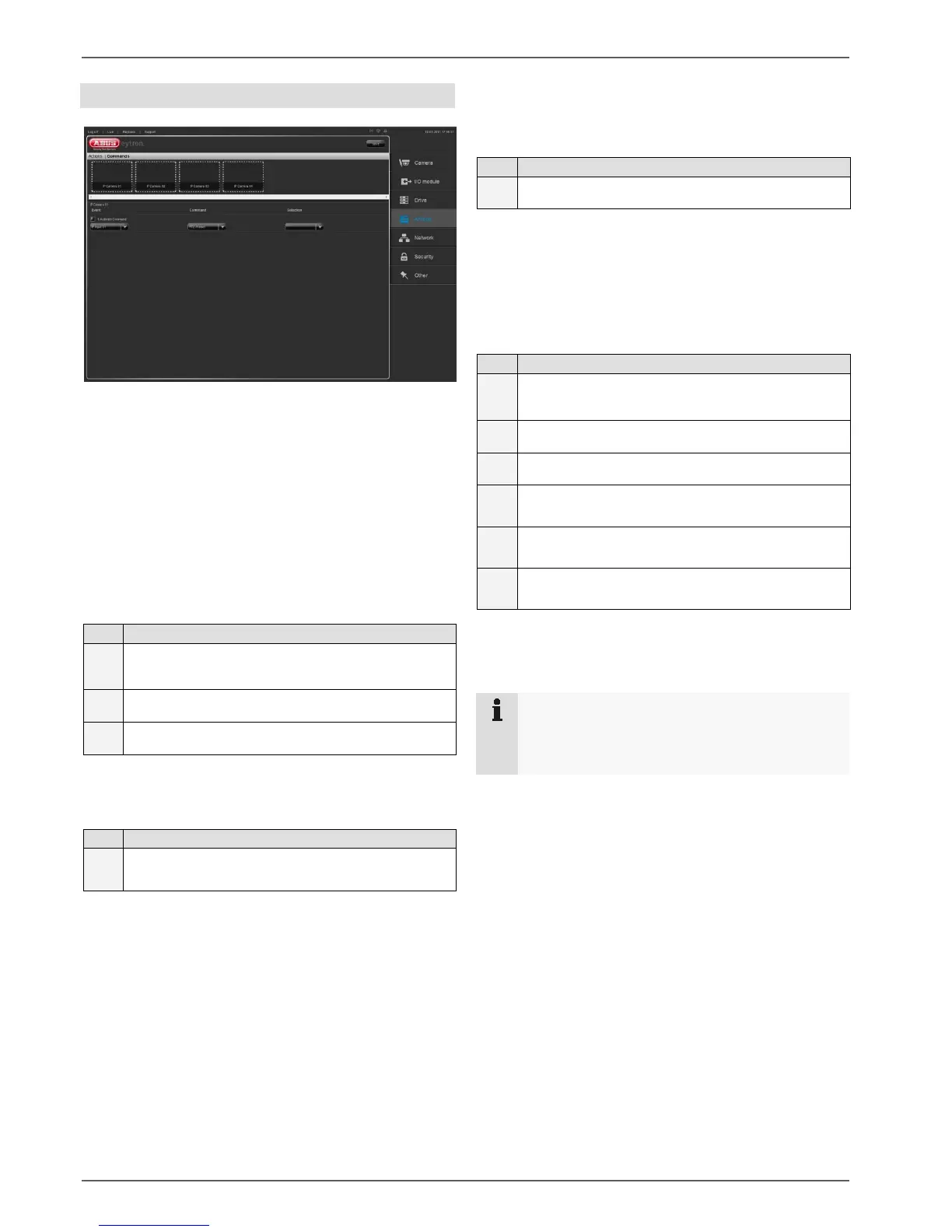
Actions
30
Commands
Here you can set up up to 3 commands for each camera.
The following commands are available:
- Go to preset
- Start tour
- IP Relais
Under the “Event” menu item, you can set when a com-
mand is to be triggered.
1
Select a camera in
preview bar
2
Tick the “1. Activate Command” checkbox
3
Select “IP MD”, “IP Input” or “Camera separately”
Under the “Command” menu item, you can set which
type of command is to be executed.
1
Select “PTZ-Position”, “PTZ Tour”, “Relay Level”
or “Relay Edge”
Level:
When the relay contact is used with level control, the
contact remains closed until opened manually by the
user.
Edge:
When the relay contact is used with edge control, the
contact remains closed until the set hold time has
elapsed.
Under the “Selection” menu item, you can set which pre-
set is to be used, which tour started, or which relay
switched.
1
Select a preset position, a tour or a relay.
To complete your configuration, please click on “Save”.
Example for setting up a command:
Camera 1 is to go to preset position 1 if movement is de-
tected.
1
Select camera 1 in the
preview bar
2
Tick the “1. Activate Command” checkbox
2
Select the “IP MD 1” menu item
3
Select the “PTZ-Position” menu item
4
Select the “Preset position 1” menu item
5
Click on “Save”
Now camera 1 will go to preset position 1 if movement is
detected.
Note
To be able to set up this command, you must
have set up movement detection in the camera. In
addition, preset position 1 must be stored.



 To Next Page