Network
34
8 Encryption
You can set the encryption
method for wireless trans-
mission here
WEP: A 64 or 128 bit key is
used for encryption. To
communicate with other de-
vices, these keys must be the
same.
WPA-PSK / WPA2-PSK: Dy-
namic keys are used for this
method. TKIP or AES can be
used as encryption protocols.
9 Algorithm
Select the corresponding
type of encryption.
WEP: no selection
WPA-PSK / WPA2-PSK:
TKIP or AES
10 Key
Enter the network key
11 IP address
Settings for the IP address
12 Option 1:
Obtain automati-
cally
IP address is assigned dy-
namically via DHCP
The following input fields
are inactive, as they were ob-
tained from DHCP
13 Option 2:
Use the following
settings
You can assign the following
parameters manually
14 IP address
Address of the network de-
vice in the network when as-
signed manually
15 Subnet mask
Enter your subnet mask
(255.255.255.0 standard)
16 DNS server
Address of the Domain Name
Server (usually the IP ad-
dress of the gateway)
17 Gateway
Enter the address of the
gateway for Internet access
Once the 4-channel video buffer is connected to the net-
work by WLAN, the LED for WLAN lights up in blue.
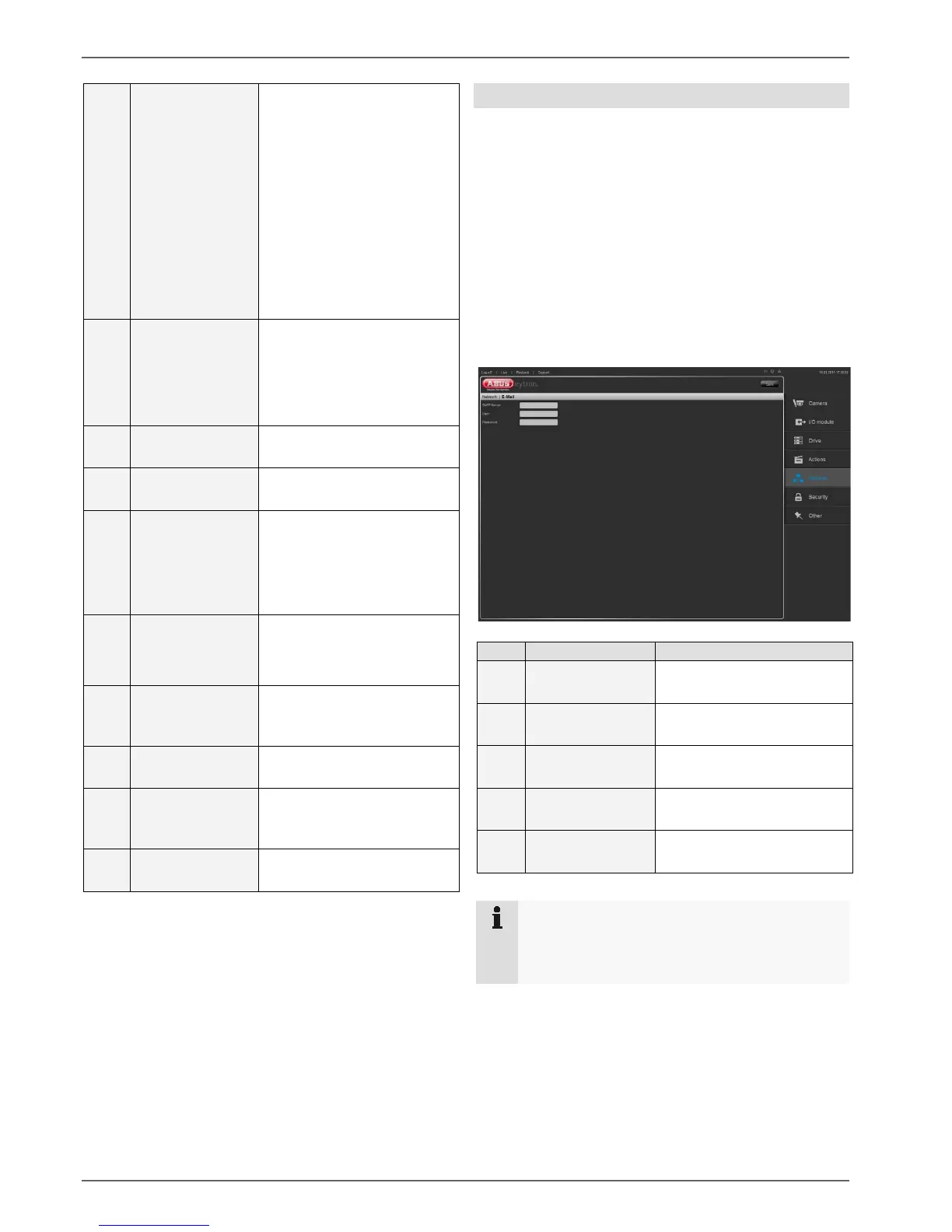
E-mail
For the system operator to be able to react to errors or
incoming alarms, the software can be used to send an
e-mail to a recipient in the event of an alarm.
To be able to send e-mails, you must have set up an e-
mail account. If no e-mail account has been set up, you
can do this using a free e-mail provider on the Internet.
You will then receive an e-mail address, user name and
password, and server addresses for sending (SMTP
server) and receiving (POP3 server) e-mails. The
SMTP server must then be entered in the e-mail configu-
ration.
The following describes how to set this up:



 To Next Page