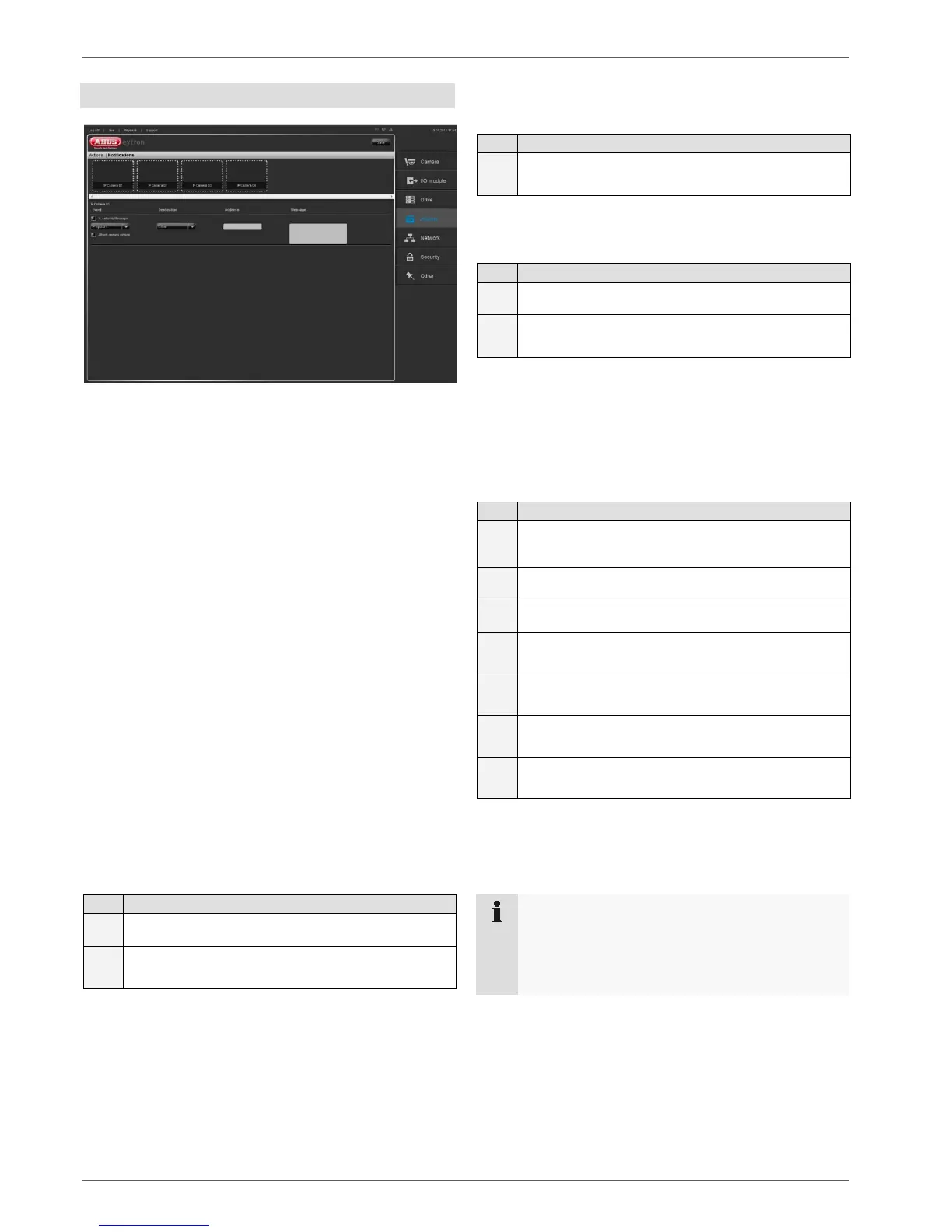
Actions
29
Notifications
Here you can set up up to 3 notifications for each cam-
era.
A notification can be triggered by:
- Movement (IP MD)
The notification is triggered if the camera detects
movement
- I/O (IP Input)
The notification is triggered if a digital input is ac-
tivated on the camera
- Camera disconnected
If the network connection for the camera is inter-
rupted, the notification is triggered
The following destinations can be set:
- Text message to an e-mail address
- Text message to the browser
- Text message to a VMS station (software)
Under the “E-mail” menu item, you have the option of
sending a text message to an e-mail address.
1
Enter the destination address
2
Text Enter a text to be sent with the e-mail
Set the “Attach video” checkbox to send a current video
with the e-mail.
Under the “Browser” menu item, you have the option of
sending a text message to the browser.
1
Enter a text that you want to appear in the
browser
Under the “Software” menu item, you can send a mes-
sage to the VMS that will appear in the live image there.
1
Enter the address of the VMS station
2
Text Enter a text to be sent to the VMS station
To complete your configuration, please click on “Save”.
Example for setting up a notification:
Camera 1 is to send an e-mail if movement is detected.
1
Select camera 1 in the
preview bar
2
Tick the “1. Activate Message” checkbox
3
Select the “IP MD 1” menu item
4
Select the “E-mail” menu item
5
Enter an e-mail address
6
Enter a text to be sent with the e-mail
7
Click on “Save”
If camera 1 detects movement, an e-mail is now sent with
the text entered.
Note
To be able to set up this command, you must
have set up movement detection in the camera.
In addition, a valid e-mail address must be set up
– see page 34.



 To Next Page