Configuration
24
Deleting an IP camera
To delete a camera from the configuration,
proceed as follows:
1
Select the camera to be deleted in the pre-
view bar
2
Remove the “Activate camera” checkmark
3
Click on “Save”
4
Your camera has now been deleted from the
configuration
Note
If you want to include the deleted camera in the
system again, you have to enter all the parame-
ters for your camera again.
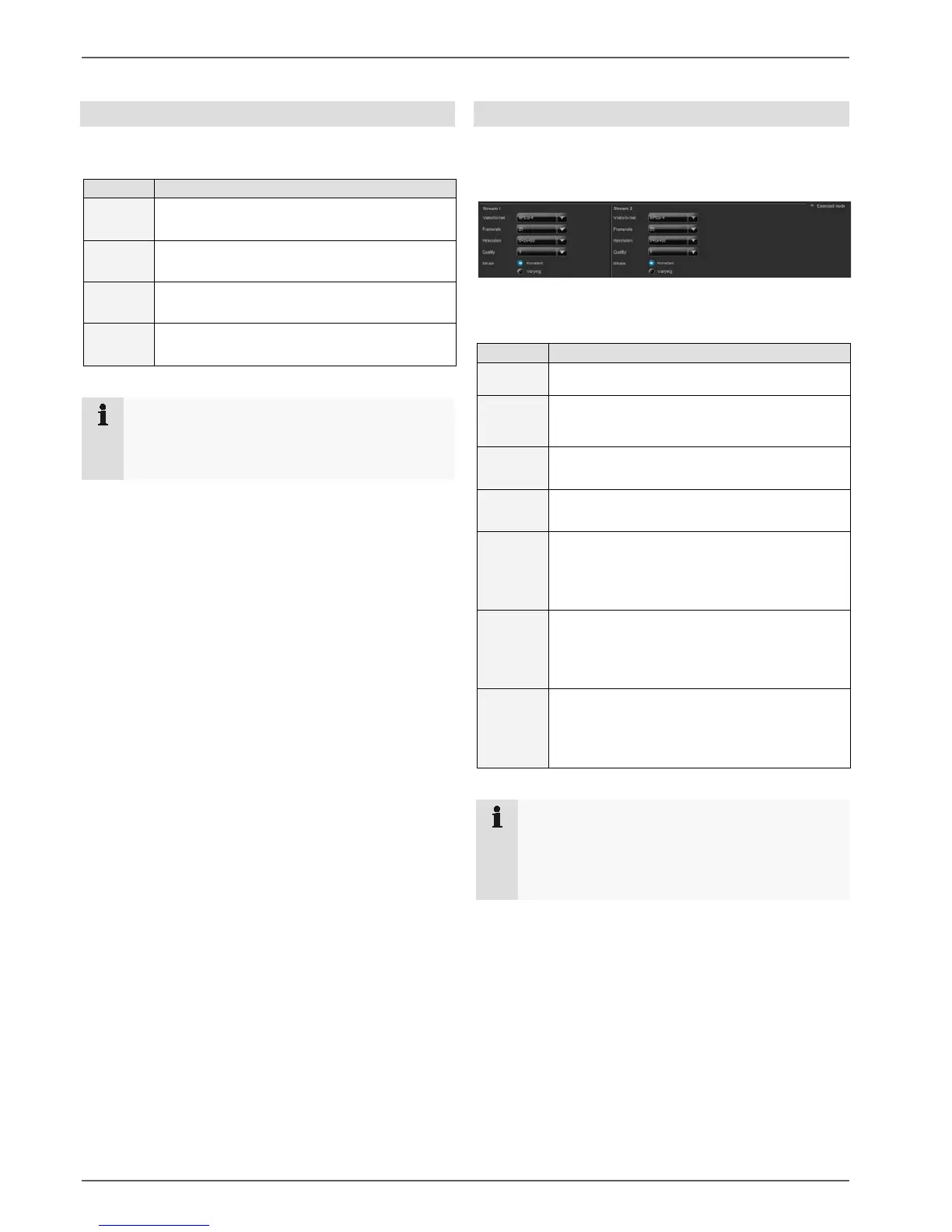
Extended mode
Click on the “Extended mode” button
A menu opens for changing the settings for stream 1 and
stream 2.
Here you now have the option to set up stream 1 and
stream 2 separately.
Settings for a stream:
1
Select the video format
2 Select the frame rate
in images per second
3
Select a resolution
4
Select the settings for the quality of the video
stream
5
Select the “Constant” bit rate
The video quality can vary according
to the level of activity
6
Select the “Variable” bit rate
Constant video quality
7
Now click on “Save”
Note
If the bit rate is set to “Variable” for all the cam-
eras, there is a risk that the network bandwidth will
not be sufficient to transmit all the connected
cameras with the same level of quality.
When you click “Save”, the changed settings are auto-
matically sent to the camera.



 To Next Page