Drive
26
Drive
Drive
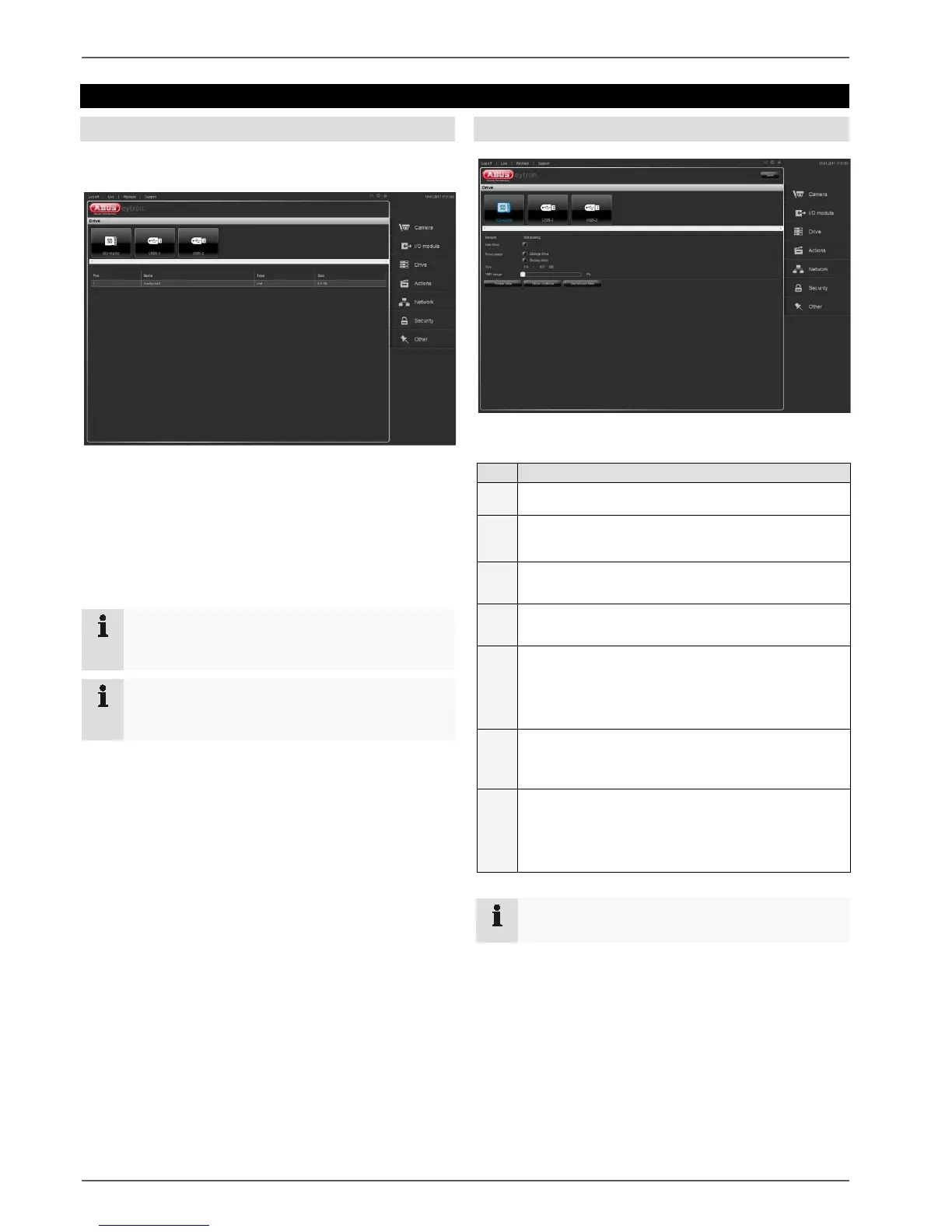
Click on “Drive” to go to the drive overview.
The overview is divided into the following subsections:
• SD card
• USB-1
• USB-2
Click on a symbol to go to the settings.
Note
When you format the drive, all the data located on
it is lost forever.
Note
If you remove the drive before “Disconnecting” it
first, you risk losing data.
SD card, USB-1 and USB-2
You have the following options for configuring the drive:
1
Select a drive it is coloured blue in the preview
2
Set the checkmark in
“Use drive”
3
Displays the currently selected size and the total
size of the drive
4
In “VMS usage” you can reserve storage space
for the VMS on the drive
5
Click on “Format drive” to format the drive
When the formatting is completed, you receive a
message about how the formatting procedure
went
6
Click on “Show contents” to view the contents of
the drive
7
To be able to remove the drive, click on “Discon-
nect drive”
You receive a message stating that you can now
remove the drive
Note
When using the drive for the first time, format it.



 To Next Page