Installation and Operation Manual Chapter 3 Operation
ASMi-54 Ver. 1.0 Configuration and Management Alternatives 3-7
Logging In
To log in:
1. Enter su for user name with read/write permission.
2. Enter 1234 for (default) password.
It is recommended to change default passwords to prevent unauthorized access
to the unit.
Choosing Options
To choose an option:
1. Press the number corresponding to the option, and press <Enter>.
2. Press <S> to save your changes.
ASMi-54 updates its database with a new value or displays a new menu for
the selected option.
3. If you press <ESC> to exit the menu without saving your changes, the
following message appears:
“Do you want to save changes (Y/N/C)?”
Press the appropriate letter to save or not save your changes
(Yes/No/Cancel).
When a menu option has only two values, typing the option number and pressing
<Enter> will toggle between the available values.
Screen Example
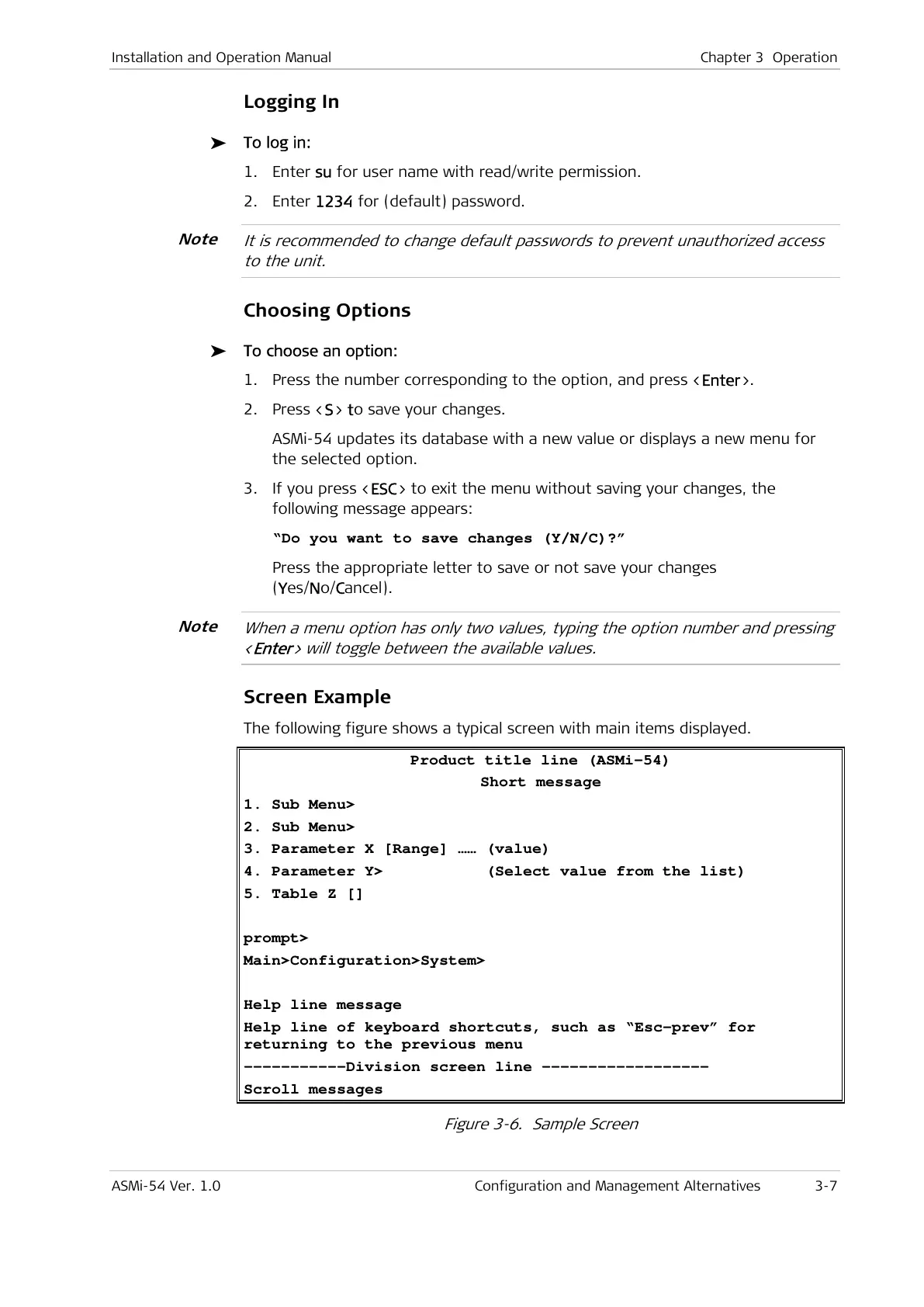
The following figure shows a typical screen with main items displayed.
Product title line (ASMi-54)
Short message
1. Sub Menu>
2. Sub Menu>
3. Parameter X [Range] …… (value)
4. Parameter Y> (Select value from the list)
5. Table Z []
prompt>
Main>Configuration>System>
Help line message
Help line of keyboard shortcuts, such as “Esc-prev” for
returning to the previous menu
-----------Division screen line ------------------
Scroll messages
Figure 3-6. Sample Screen
Note
Note



 To Next Page