WinCEGeräte_Handbuch_Administration_v2 00_en 44 / 84
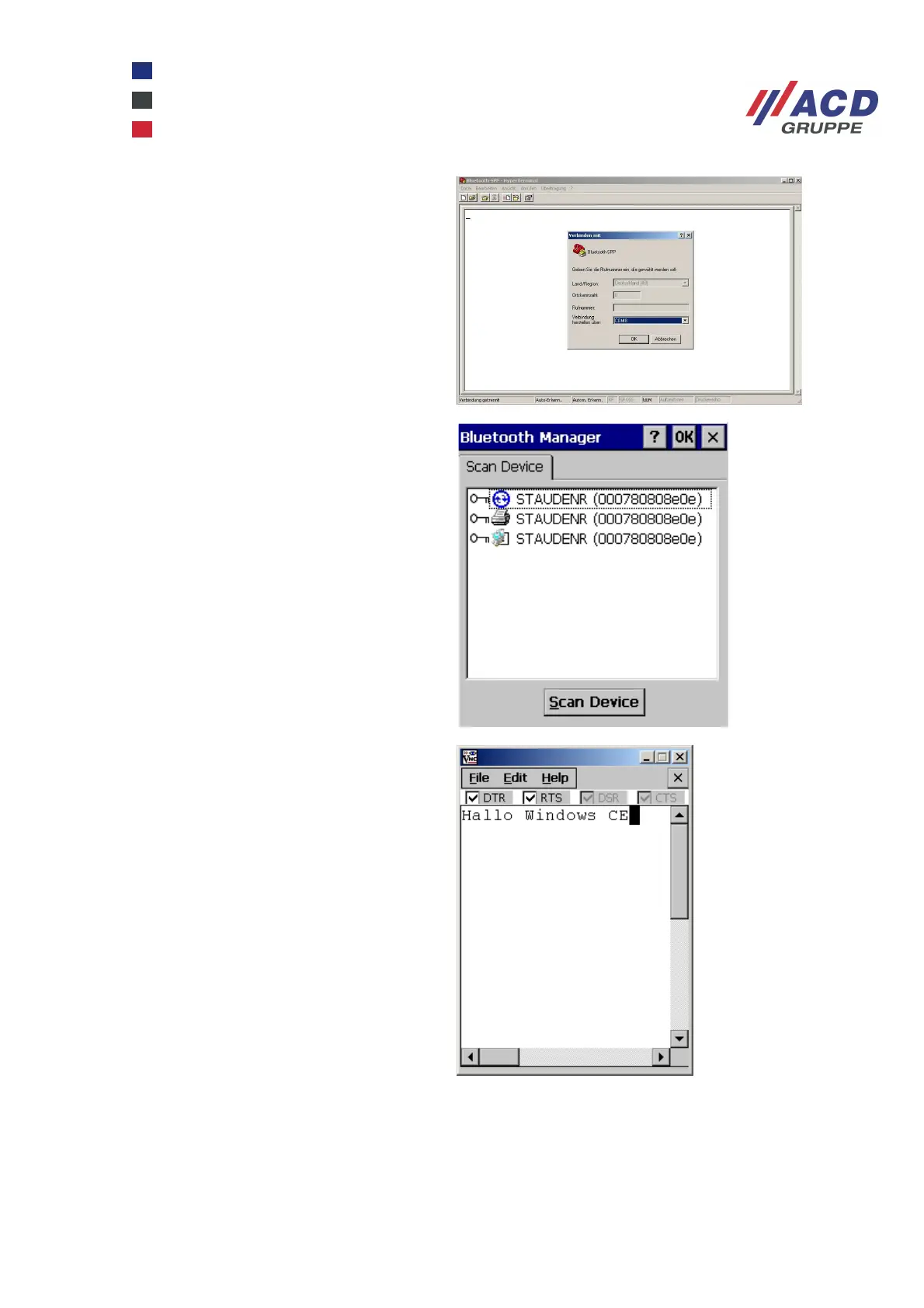
The COM port must be opened from a
program, in this case a hyper terminal.
On the Windows CE device, the icon for
SPP is a blue ActiveSync icon. The device is
authenticated as described above for the
PAN profile. A checkmark next to the Active
option indicates that the process is
complete.
The virtual port on the Windows CE device
is bsp2: (SPP client). Open the COM port
from a program, in this example serialtest.
Start serialtest by selecting Start / Run /
serialtest bsp2: Characters can be
transferred between the PC and Windows
CE device via the SPP and the virtual COM
port.
An ActiveSync connection can also be installed over SPP.



 To Next Page