WinCEGeräte_Handbuch_Administration_v2 00_en 45 / 84
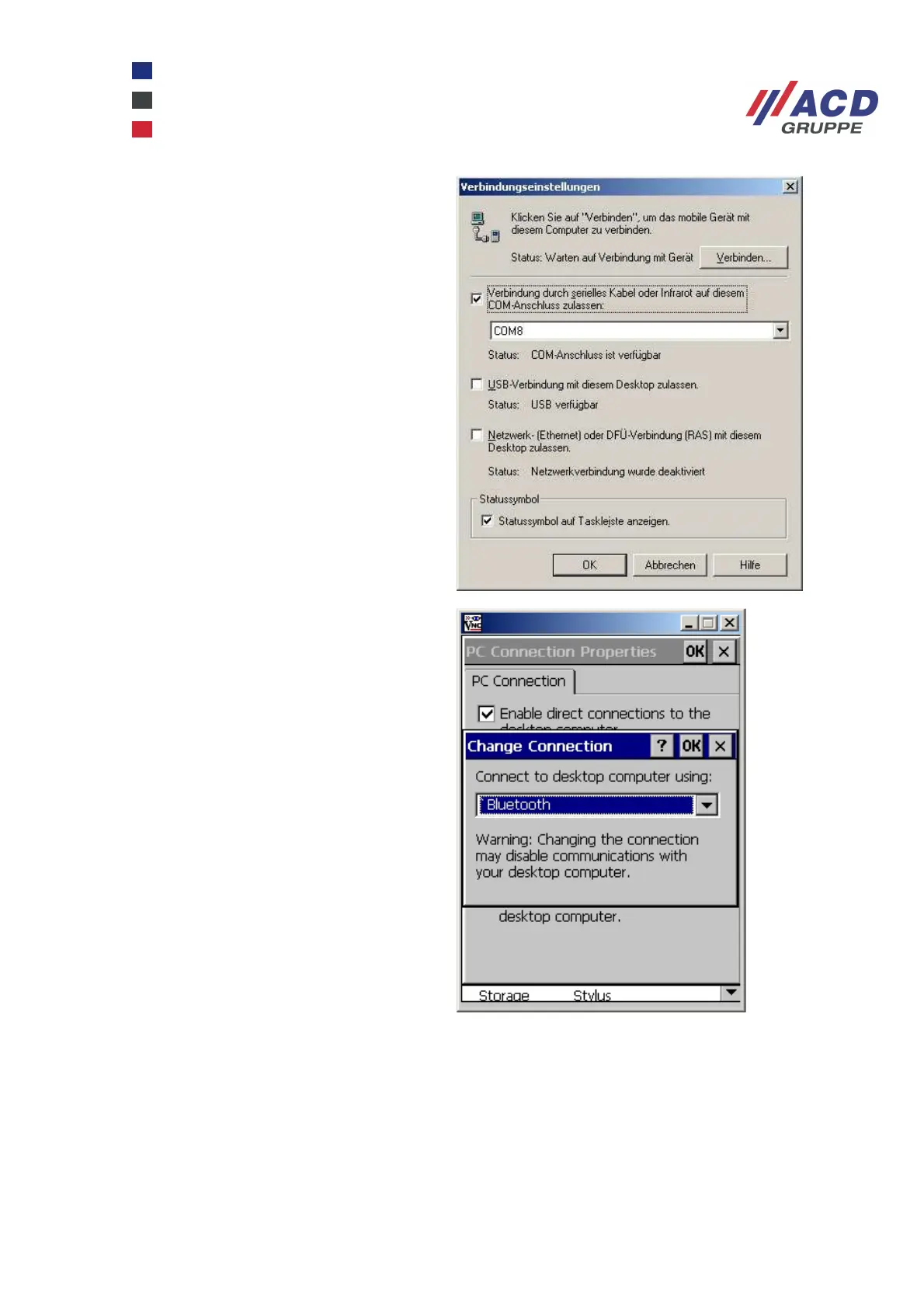
Enter the virtual COM port (incoming SPP
server) on the PC under the ActiveSync
connection settings.
On the Windows CE device at Start /
Settings / Control Panel / PC Connection
Properties, select the preconfigured
Bluetooth connection. Manually start
ActiveSync by selecting Start / Programs /
Communication / Active Sync Serial.



 To Next Page