01010101100110101010110011010101011001101010101100110101010110011010101011001101010101100110
1001101010101100110101010110011010101011001101010101100110101010110011010101011001101010101100110101010110110101010
11
10101010110011010101011011010101001101010100110101101101101010100101
1011010101100110011010101011010101111010111
11010101101101010100111110
1101110110110011
0111011110
111101
011
11
1
PC-3000 EXPRESS / UDMA / PORTABLE Seagate
ACE Lab F3 architecture
Technical support: ts@acelab.ru
Phone: +7 863 201 50 06
ts.acelaboratory.com 29
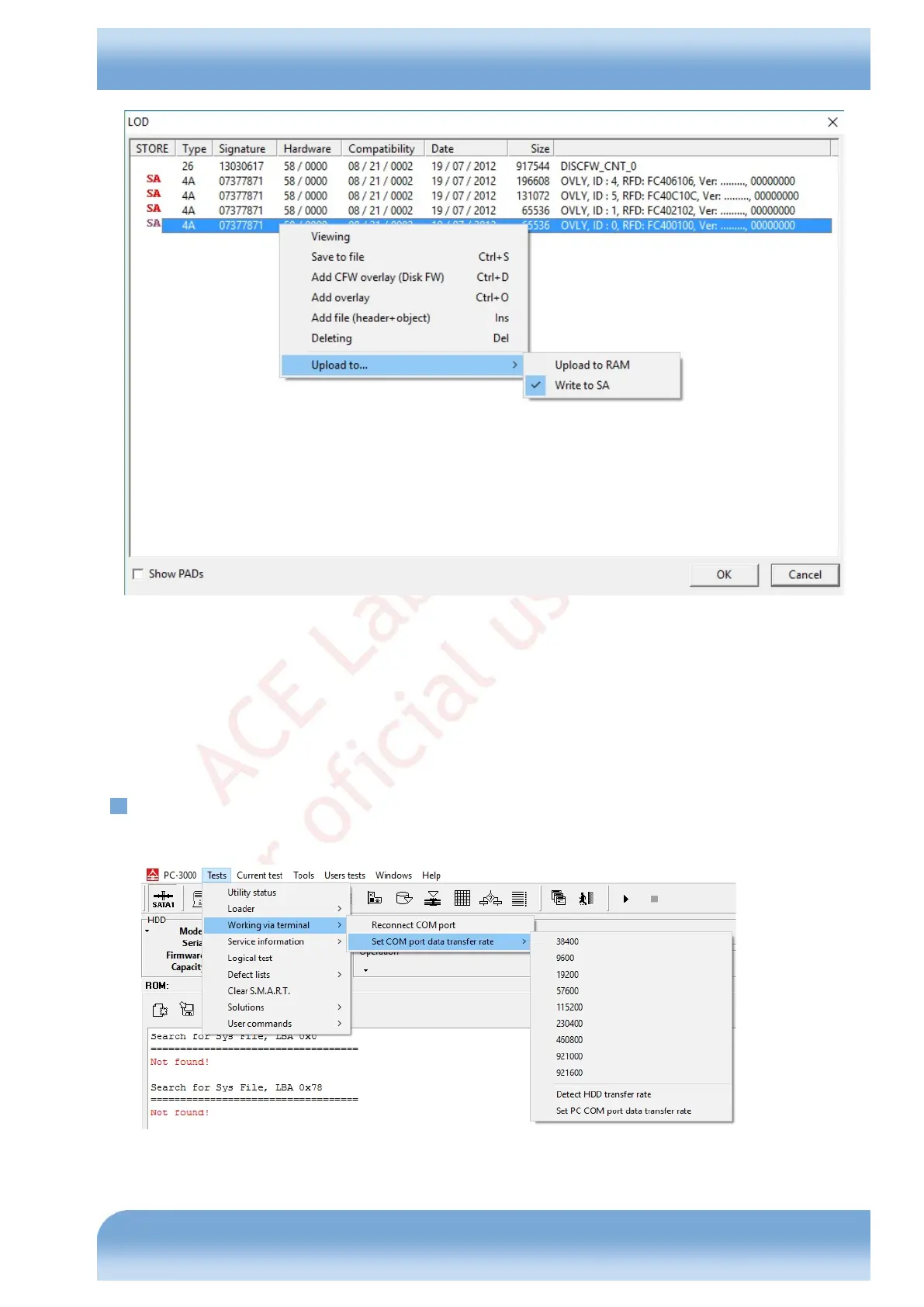
Fig. 6.3
The editor allows to remove the objects unnecessary for the current task from the loader, to add Disk FW overlay and
firmware overlays from files (in particular, the feature allows creating a loader from HDD resource files saved earlier),
to modify the destination of overlays selecting their recording to the SA or only uploading them to RAM. In addition,
you can save and view individually the objects contained in a loader. During loader modification the editor adds
respective headers, alignment blocks (pads), and corrects the checksums for the loader data. However, when its
components are modified individually, their internal checksums and configuration headers should be generated using
specialized tools outside the editor (for example, the hex editor plug-ins).
6.5. Work with terminal
This submenu contains the set of commands used to control the terminal connection with a drive (Fig. 6.4).
Fig. 6.4


 To Next Page