32 Chapter 2
PM Wake Up Events
Press [Enter] to enter the sub-menu and the following screen appears:
Video Off Option This item is to control the mode in which the
monitor will shut down.
Always On: Always keep the monitor on.
Suspend --> Off: During suspend mode, the
monitorwill shut down. Susp, Stby --> During
suspend or standby mode, the monitor will shut
down. All Modes --> Off: The monitor is turned
off during doze, standby or suspend mode.
Always On
Suspend Off
Susp, Stby --> Off
All Modes
Video Off Method This item determines the manner in which the
monitor is blanked.
V/H SYNC+Blank: This selection will cause the
system to turn off the vertical and horizontal
synchronization ports and write blanks to the
video buffer. Blank Screen: This option only
write blanks to the video buffer. DPMS
Supported: Initial display power management
signaling.
V/H SYNC+Blank
Blank Screen
DPMS Supported
Modem Use IRQ This setting names the interrupt request (IRQ)
line assigned to the modem (if any) on your
system. Activity of selected IRQ always
awakens the system.
3, 4, 5, 7, 9, 10, 11, AUTO
Hot Key Function As This option allows you to set the Hot Key
functionality
Disable
Power Off
Suspend
HDD Power Down If HDD activity is not detected for the length of
time specified in this field, the hard disk drive will
be powered down while all other devices remain
active.
Disabled
1~15 Mins
Soft-off by PWR-BTTN This feature allows users to configure the power
button function.
Instant Off: The power button
functions as a normal power-
on/-off button.
Delay 4 Sec: When you press
the power button, the
computer enters the suspend/
sleep mode, but if the button is
pressed for more than four
seconds, the computer will be
turned off.
Aftrer PC Power Lose This item specifies when your system reboot
after a power failure or interrupt occurs.
Off
On
Former-Sts
Delay Prior to Thermal Enables you to set the delay time before the
CPU enters auto thermal mode.
None
1 Min, 2 Min, 4 Min, 8 Min, 16
Min, 32 Min, 64 Min
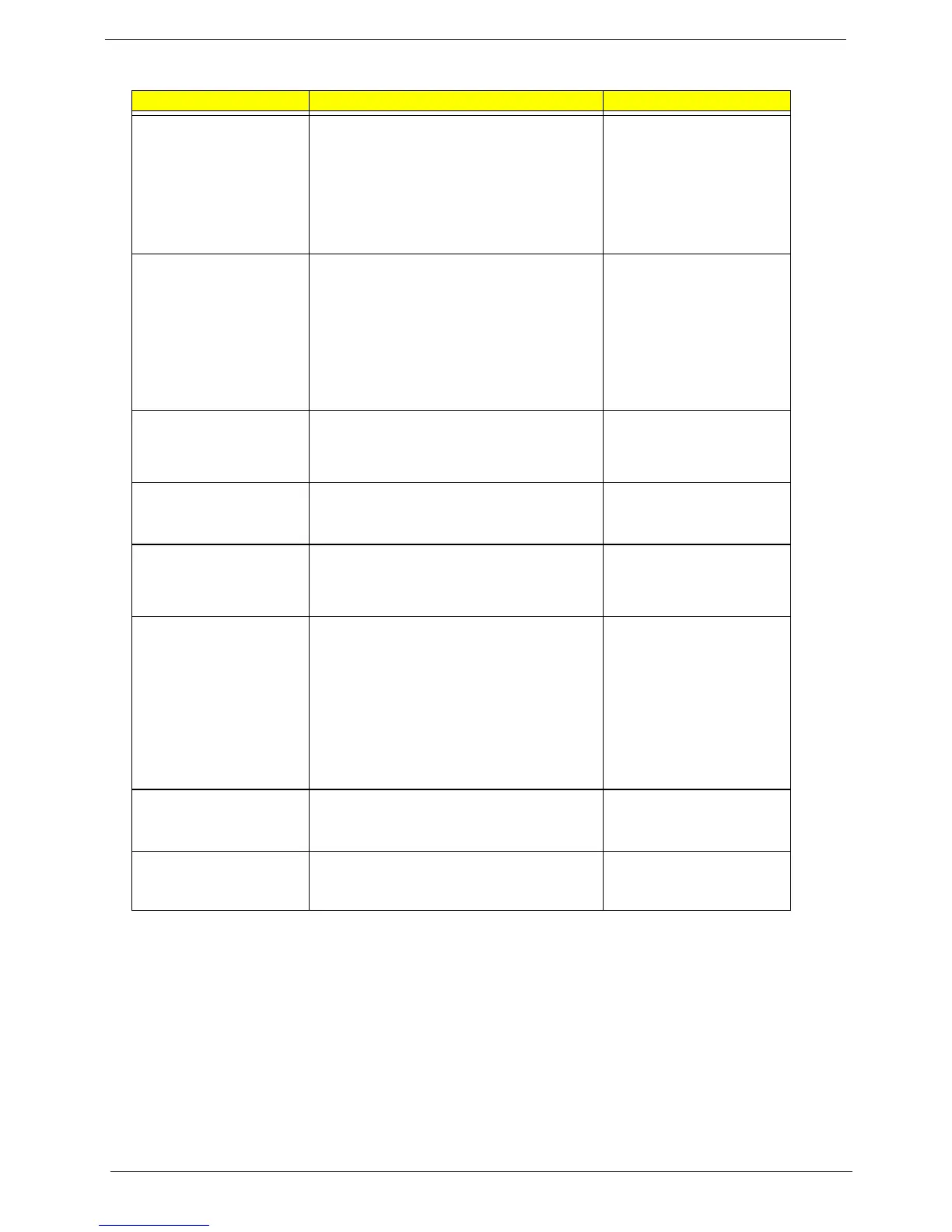
Parameter Description Options







 To Next Page