2
Connector Panels 1.3.
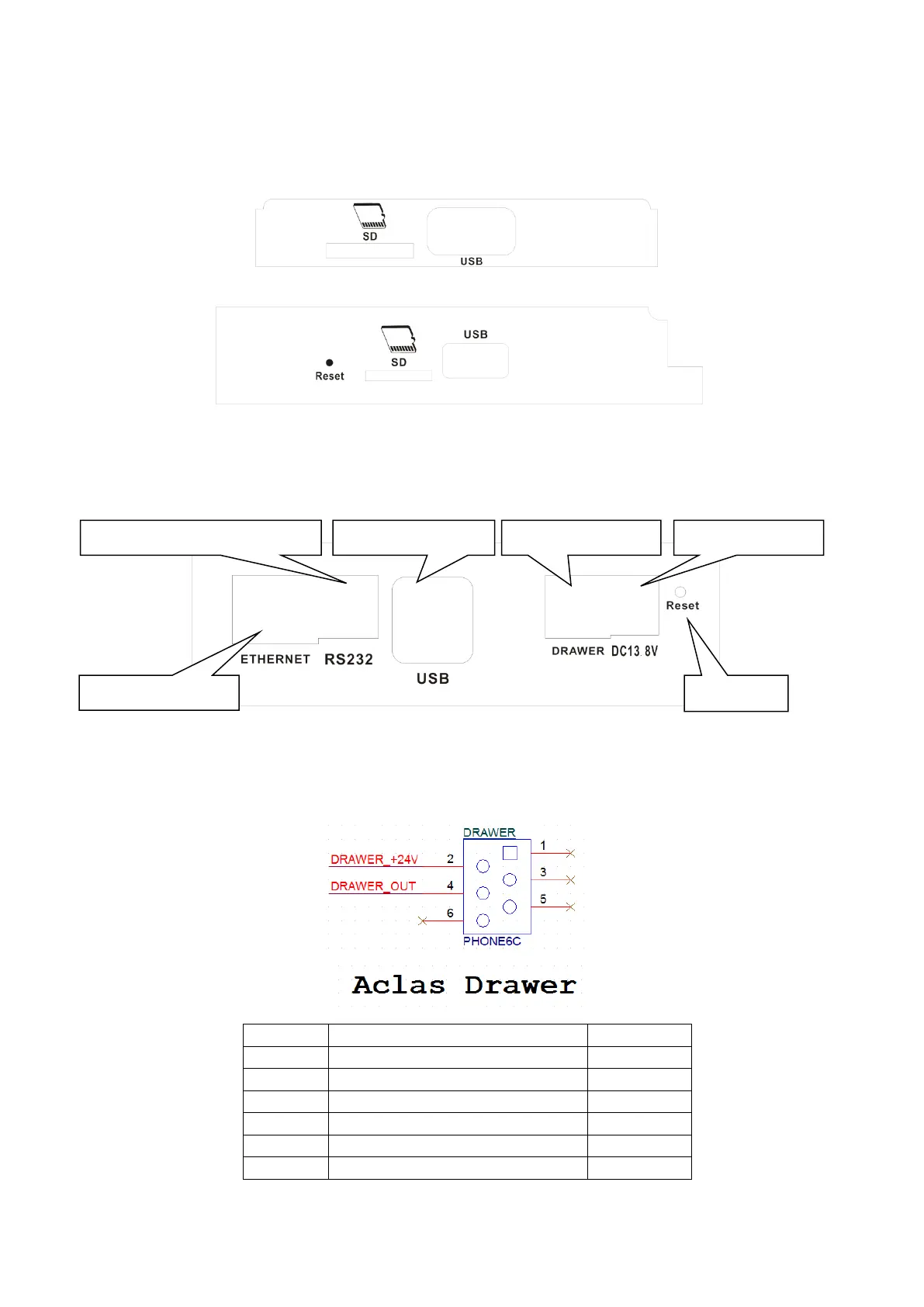
Connector Panel 1 (front):
The connector panel 1 is located in the right side of the operator screen, inside a plastic cover.
Connector Panel 2 (below):
The connector panel 2 is located at the bottom of the scale. Please overturn the scale, and then the
connectors can be seen clearly.
Drawer Port Definition 1.4.
Drawer kick-out driver signal 1
RS232 Interface (4Pin/6Pin)



 To Next Page