30
5.2.1.2. Gift Baskets Function
Gift baskets function is usually used in the aspect, such as pack gift-box and fruit-dish. Set a hotkey as
‘gift baskets’ first on the scale.
1. Open PLU Setting, add one PLU as the ‘gift basket’ named ‘Gift Basket’ first:
2. Set the unit price as 0; set the package type as ‘Fixed Weight and Price’; set the package weight as 0.000.
For example: Package a fruit-dish (apple, grape and orange):
PLU name: Apple weight unit: kg unit price: 10.00 $/kg
PLU name: Orange weight unit: kg unit price: 4.00 $/kg
PLU name: Grape weight unit: kg unit price: 20.00 $/kg
Suppose each of the three fruits is 1.000 kg. The operation shows as below:
1. Press ‘Gift Basket’ key
The system will
remind ‘Enter gift
basket mode’
2. Put the apple on the pan,
and press hotkey ‘Apple’
Add item [Apple] to
gift basket [Gift
Basket]
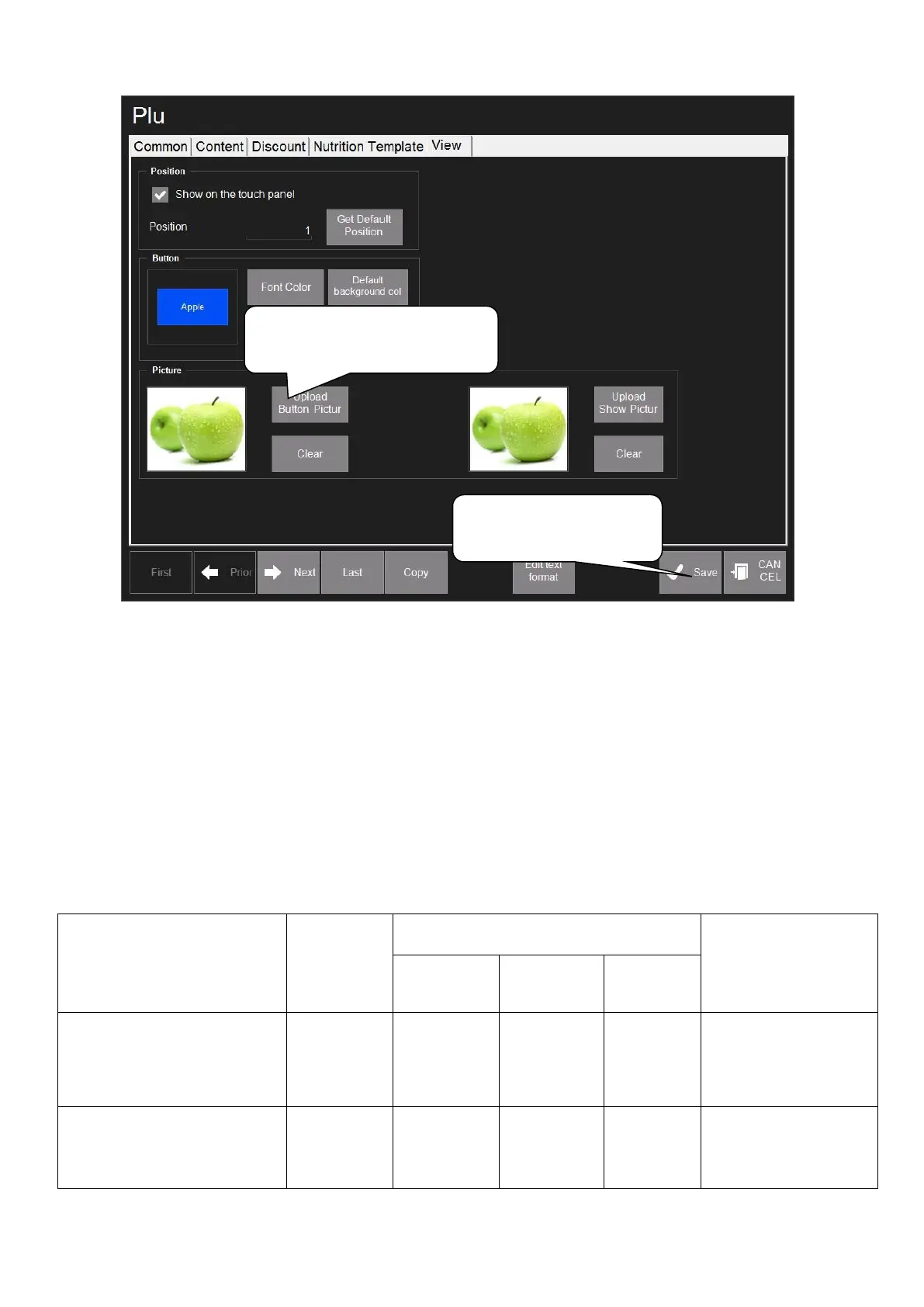
6. To upload PLU pictures in
View interface
7. Click ‘Save’ to save
operations above



 To Next Page