13
‘->0<-’ Operation 4.4.
Sometimes the display will not show ‘0’ when there is nothing on the scale. Maybe the reason is that the
scale loses balance. Besides, for adjusting scale’s balance, please press [->0<-] during selling to return to
zero level of weight, which saves time and avoid weight mistakes.
Operating as below: Press the key [->0<-], then the LCD display will show 0.000.
Auto Print and Manual Print 4.5.
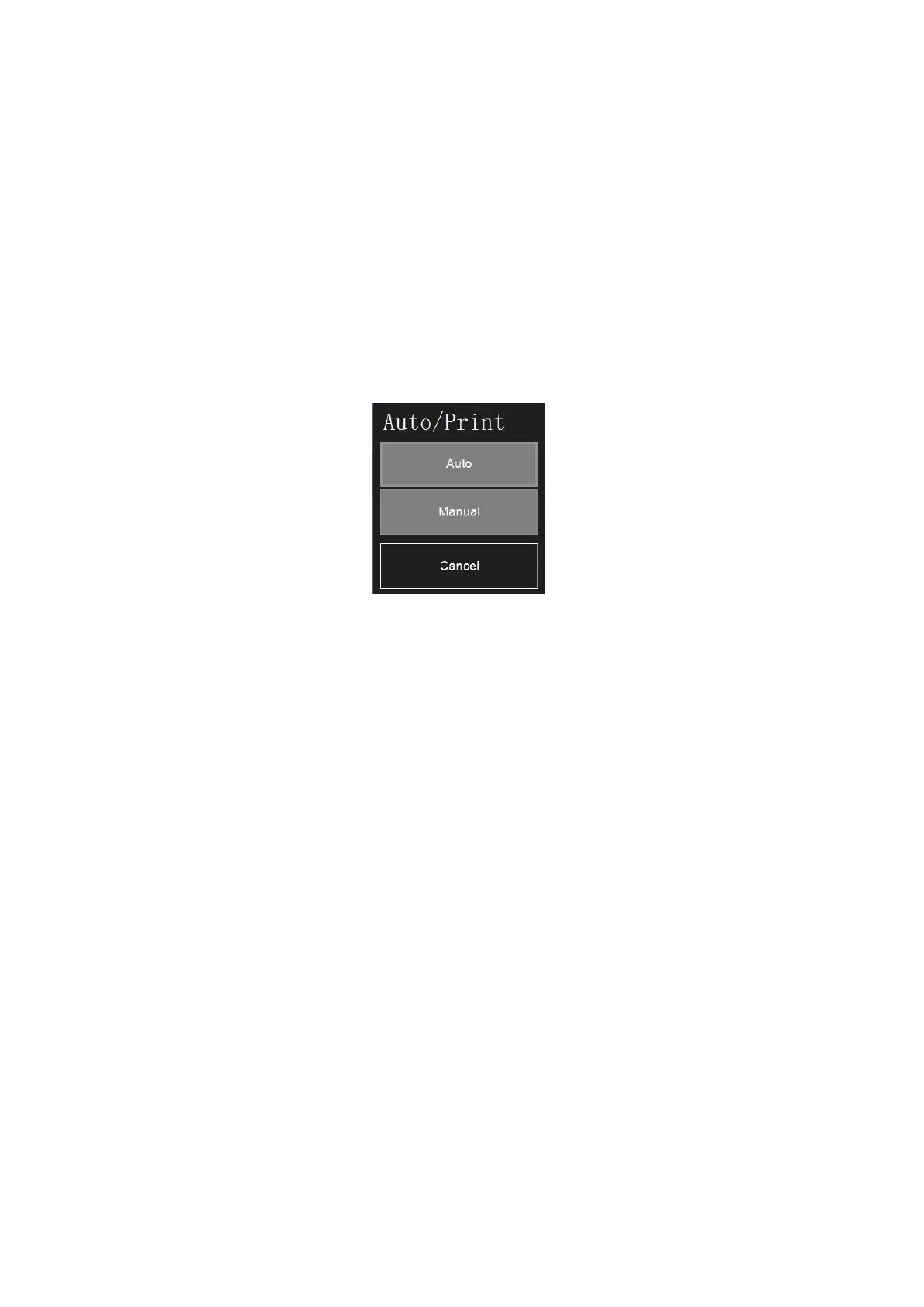
There are two kinds of printing mode: click ‘Manual (or Auto)’ on the screen, and then can choose
Auto or Manual Print.
Auto print: PLU label will be print out automatically when selling.
Manual print: PLU label will be printed out finally by pressing ‘PRINT’ key on key board manually.



 To Next Page