EasyManua.ls Logo

ACLAS TS5X - Calculate by Piece

ACLAS TS5X
70 pages
Print Icon
To Next Page IconTo Next Page
To Previous Page IconTo Previous Page
Loading...
22
3.Input fresh code of Tangerine 100012 on the screen
100012
0.998
2.70
2.69
4.Click vender Admin
Admin
0.998
0.00
0.00
5.Put Strawberry on the tray
2.002
6.Input fresh code of Strawberry 100006 on the screen
100006
2.002
3.80
7.61
7.Click vender Admin
Admin
2.002
0.00
0.00
8.Click vender Admin again
Admin
9.Click to print the receipt
10.30
4.7.3. Calculate by Piece
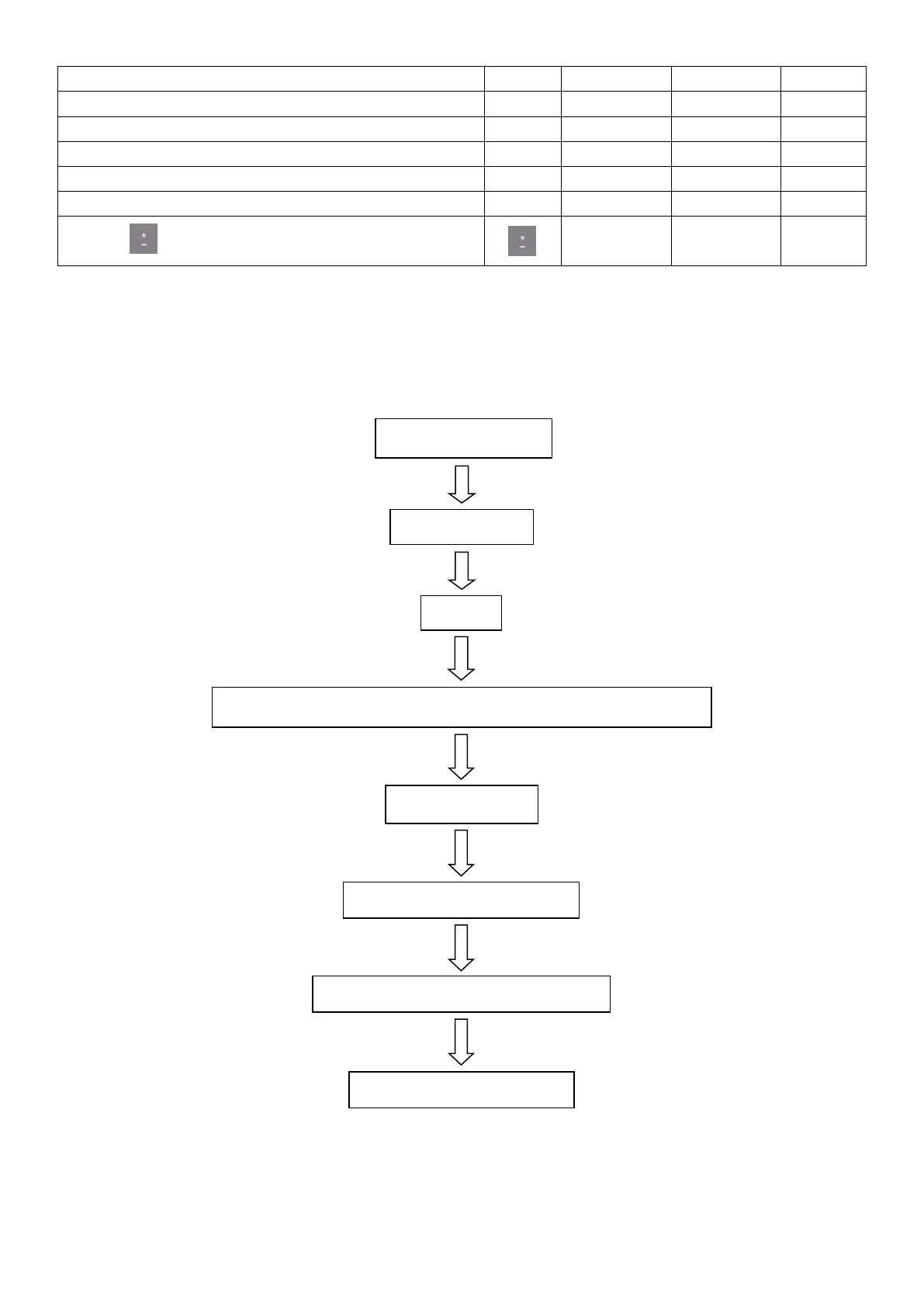
First, please set the unit as PCS as following steps:
Clicking Settings
PLU
Choose the PLU that is going to be sold by piece E.g.: Cake
Edit
Choose Common edit
Function Menu
Click kg and choose PCS (kg)
Click Save after setting

Table of Contents

Related product manuals