23
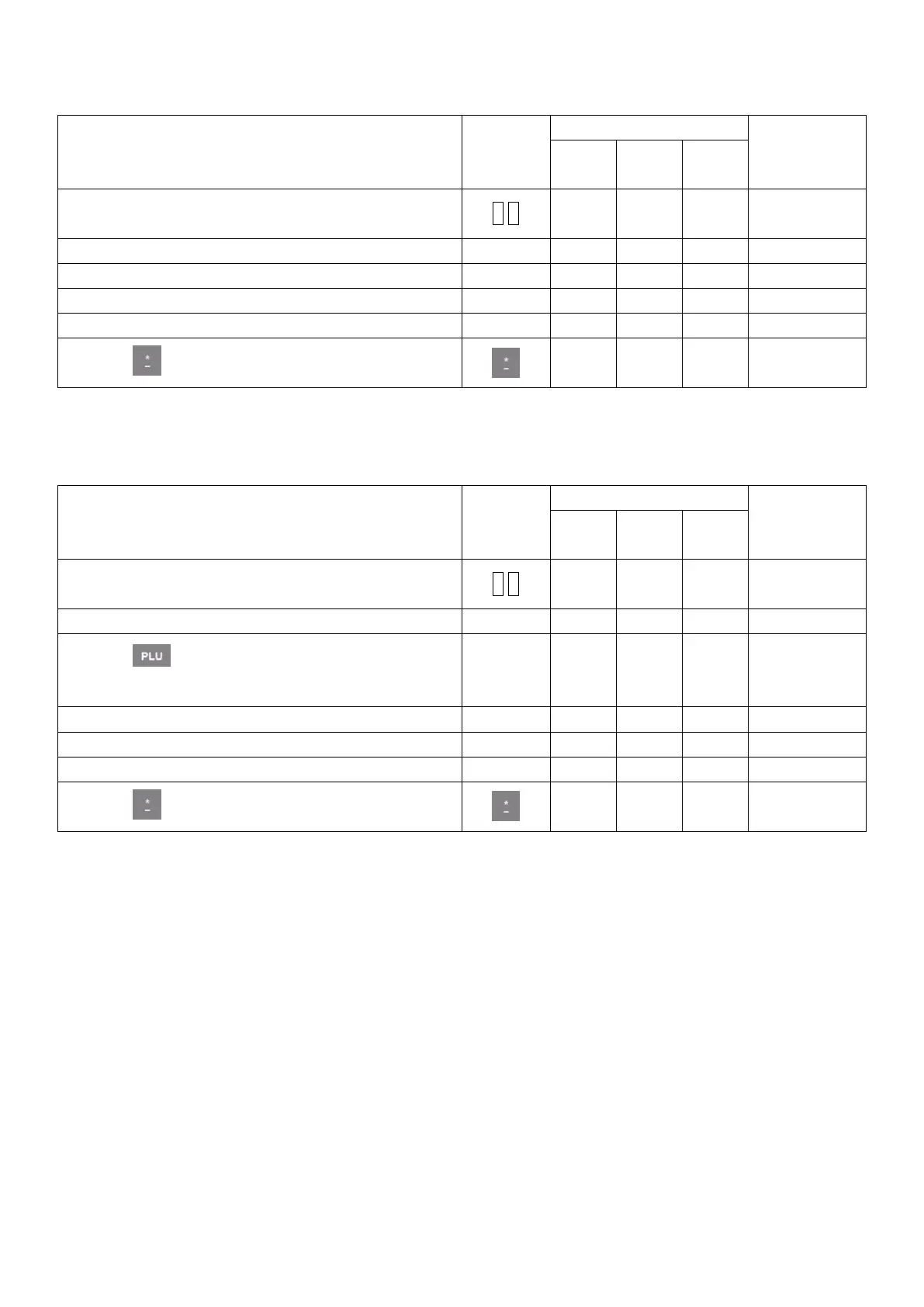
METHOD 1: Hotkey Operation Steps
Sales example: Ten pieces of cake are sold. The hotkey of cake is 05. The unit price is $3/PCS(kg).
1. Input the number of the commodity through
numerical keyboard. For example 10 pieces
3. Click the picture of cake on the screen
4. Press accumulation vender for example: Admin
5. Press accumulation vender ‘Admin’ again
6. Press key to print receipt
METHOD 2: General sales steps by inputting FRESH CODE.
Sales example: Ten pieces of cakes are sold and the FRESH CODE of the cake is 12. The unit price is
$3/PCS(kg). This case is for selling cargo without PLU picture on touch screen and need to sell this cargo by
inputting corresponding FRESH CODE.
1. Input the number of the Cake 10 through small
keyboard
3. Press key and input FRESH CODE of the
cake 12
4. Press ‘OK’ after inputting
5. Press accumulation vender for example: Admin
6. Press accumulation vender ‘Admin’ again
7. Press key to print receipt



 To Next Page