15
4.6.3. Item Discount (%) and Item Discount ($)
Item discount (%):
Note: Before operation, please change the print mode as ‘manual print’. And this function is for changing
price temporally.
Sales example: Assume that 2kg green onion is sold, and the unit price is 0.50$/kg.
1.Press ‘->0<-’ if the weight is not zero
3.Click the picture of onion on the screen
4.Click ‘Item discount%’ on the functional screen
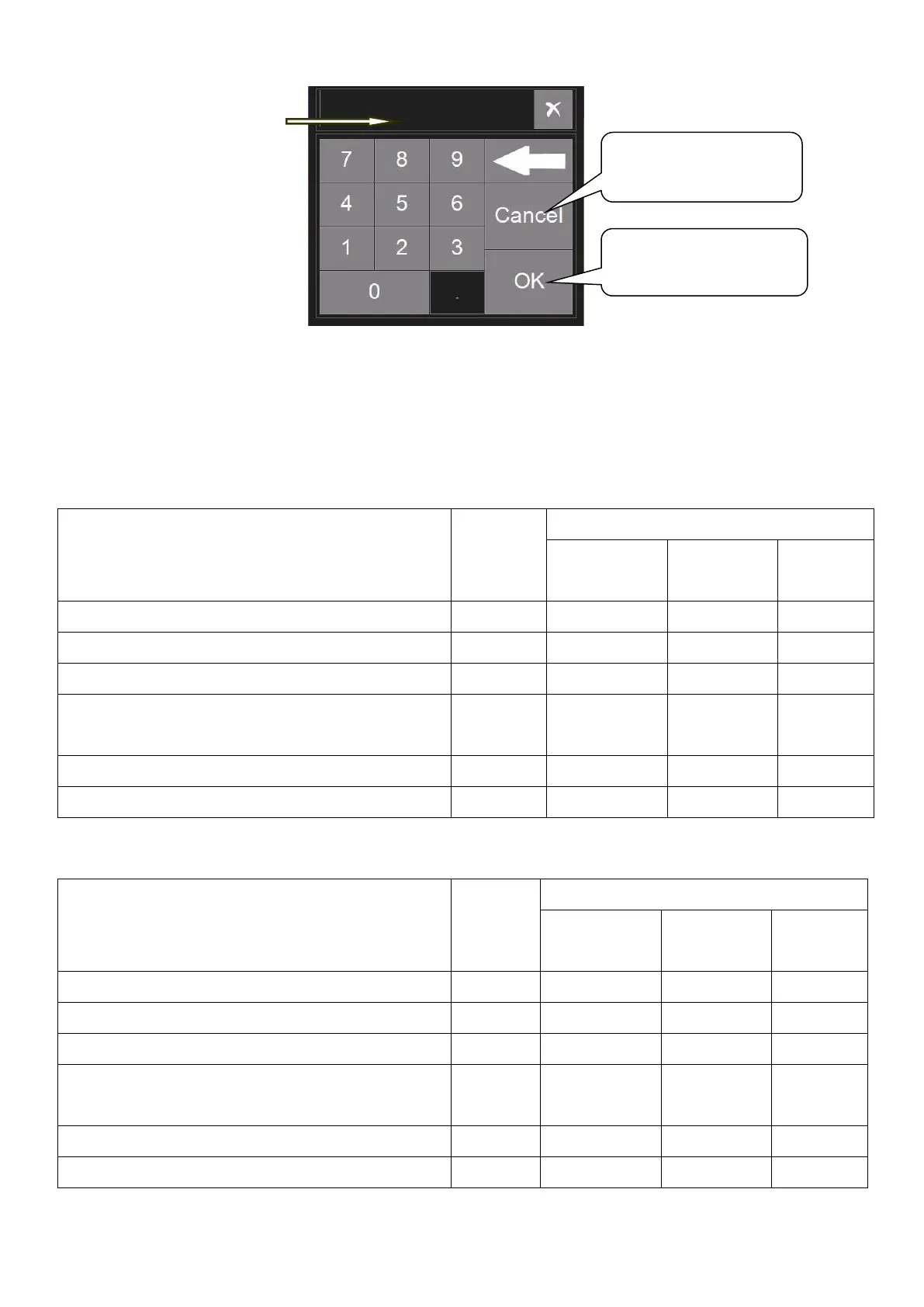
5.Input discount percentage like below picture
6.Click ‘Print’ to print label after changing price
Item discount ($):
1.Press ‘->0<-’ if the weight is not zero
3.Click the picture of onion on the screen
4.Click ‘Item discount$’ on the functional screen
5.Input discount$ like below picture
6.Click ‘Print’ to print label after changing price
Click ‘OK’ key to
confirm final edition
Click ‘Cancel’ to
cancel edition
pressing
numerical key



 To Next Page