17
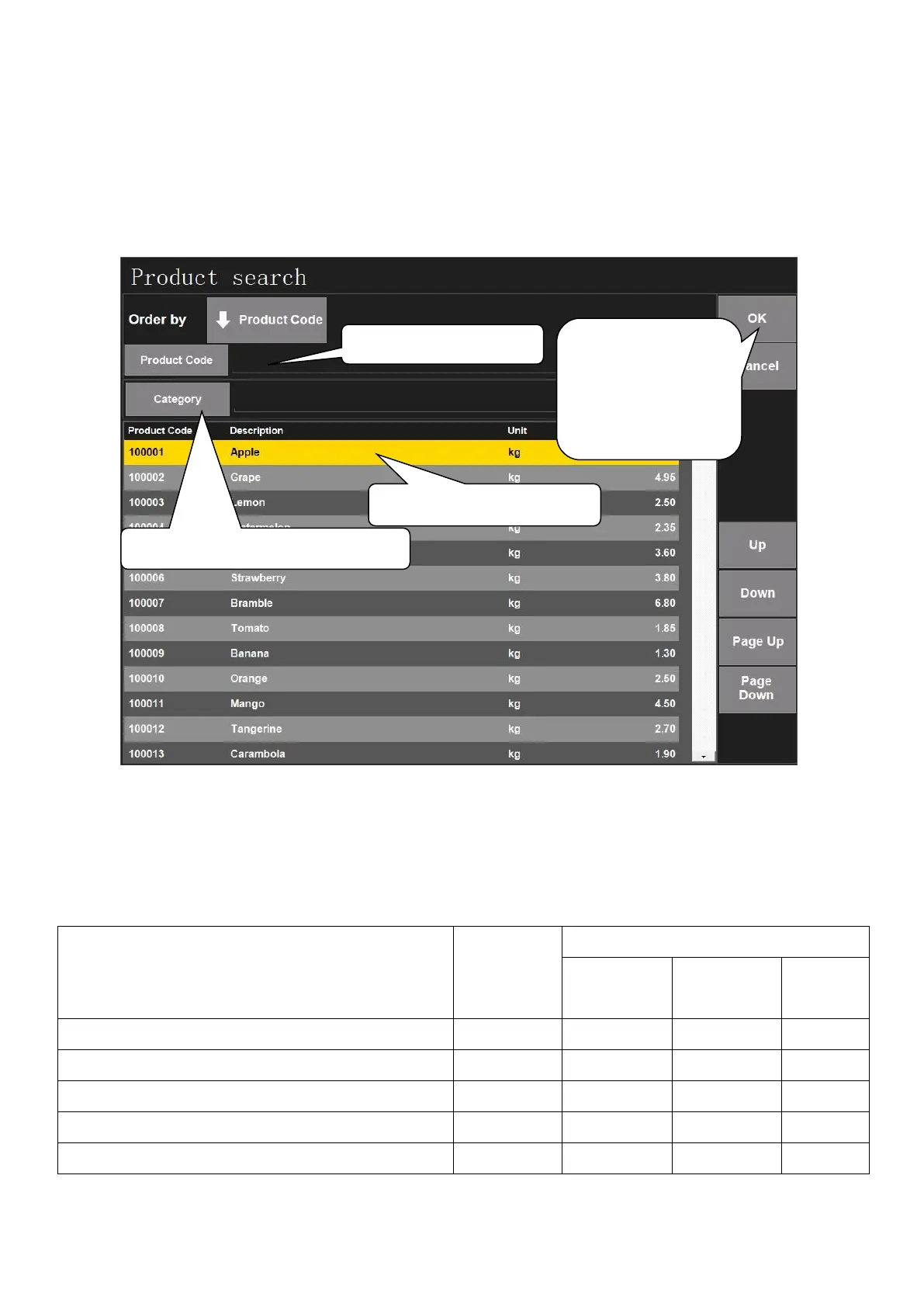
4.6.5. Product Search
This function is for searching product when it is hard to find the PLU in the mainboard interface. Operation
steps are as following:
Click ‘Product Search’ to search product by Product code, barcode or category. Select one product and
click ‘Stock’ in the right corner to search product stock.
4.6.6. 1/2 Price
This function is for changing the price as 1/2$ of the original price.
Sales example: Assume to sell 2kg watermelon, and the unit price is 1$/kg. Steps are as following:
1.Press ‘->0<-’ if the weight is not zero
2.Put watermelon on the tray
3.Click the picture of watermelon on the screen
5.Click ‘Print’ to print label after changing price
3. Or search product by category
2. Select search type here
4. Click ‘OK’ after
setting, and it will
go back to the
mainboard



 To Next Page