25
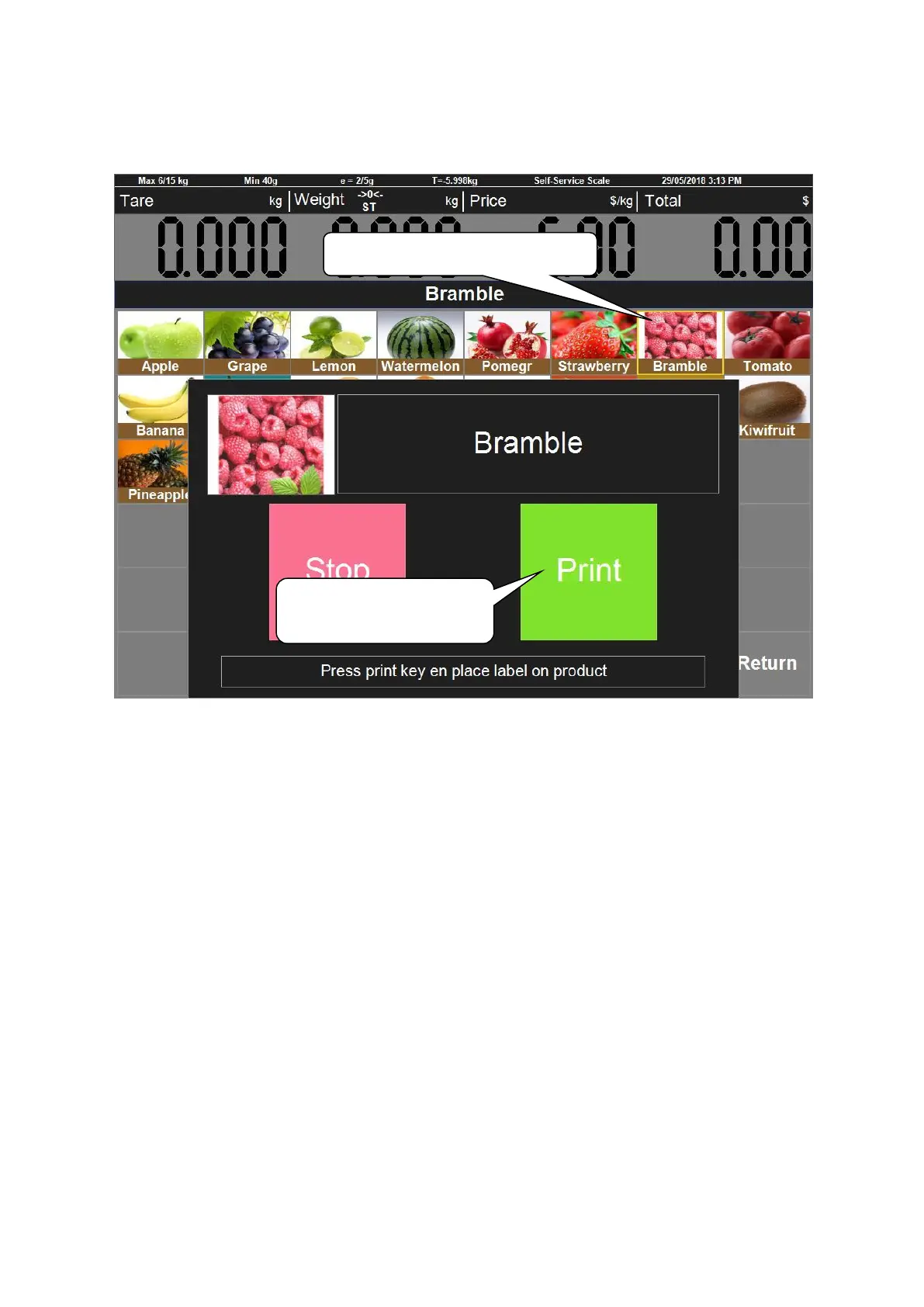
Put item on the pan, take bramble as an example:
Put the bramble on the pan, and find the category of bramble—Fruit. Clicks ‘Fruit’ and find bramble, click
it, then the system will show the interface as below:
Several seconds later the system will return back to category automatically.
1. Click the picture of bramble
2. Click ‘Print’ here to
print the label



 To Next Page