5. Maximum A-weighted Sound pressure Level (Lmax) Measurement
In the measurement of L
A
eq or L
a
e, the following measurements automatically start by
pressing
Start
key.
・Equivalent continuous A-weighted sound pressure level: L
A
eq
・Single event sound exposure level: L
a
e
・Percentile level: L
05
, L
10
, L
50
, L
90
, L
95
, Lmin or Lmax
So the operation is same as L
A
eq measurement.
The following is how to select Lmax value displayed on the screen.
1. Press
Menu
key twice to call <Mode Set> screen.
2. Move to “View” line with or key.
3. Move to the right column with key.
4. Select “Lma” (indicates Lmax) with or key and press
SET
key to enter.
5. Return to the normal display from <Menu> screen by pressing
View
key.
6. Select Lx with
Measurement mode
key, if necessary.
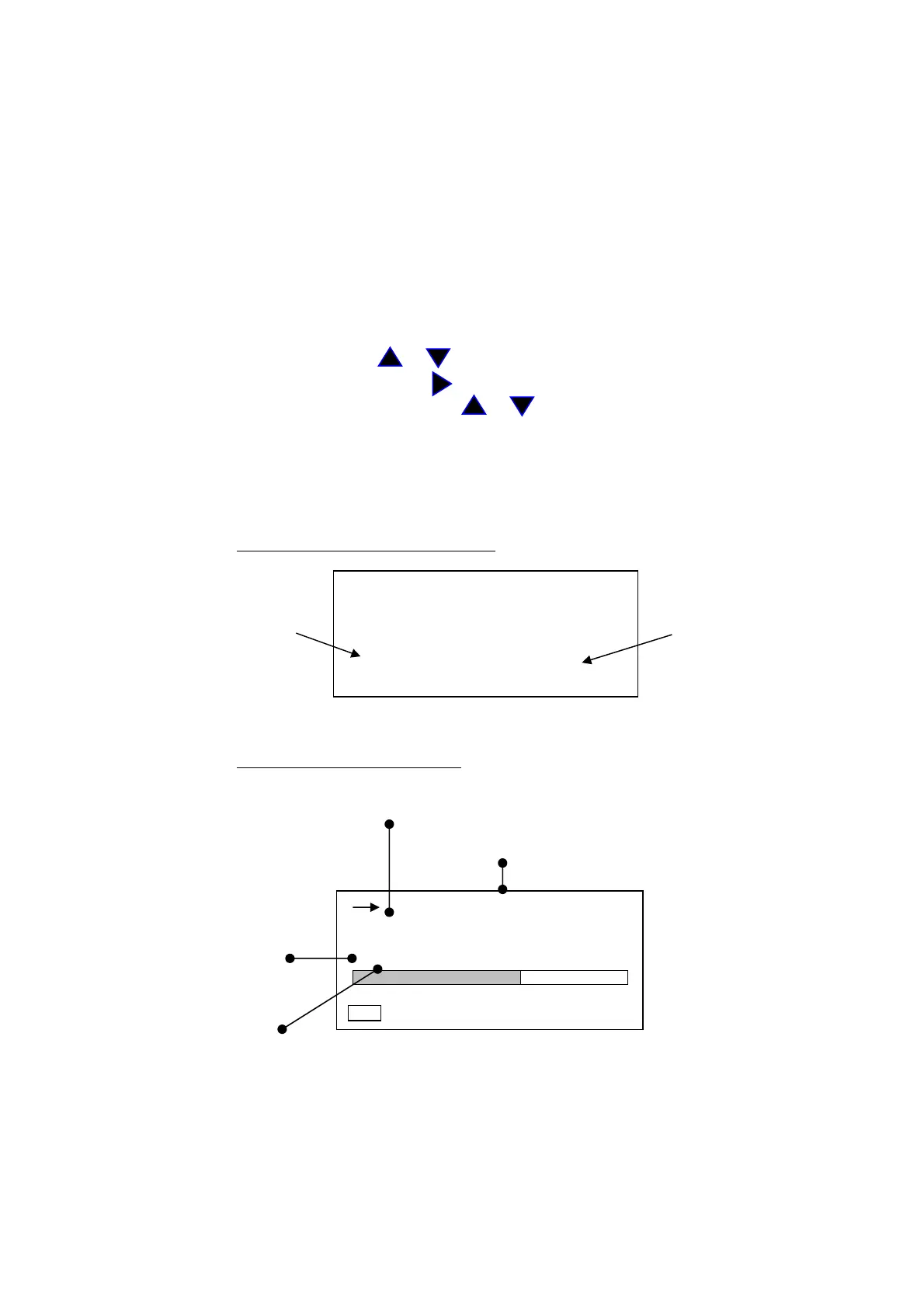
< Display >
<Mode Set> screen (for example)
<Mode Set> 2/2
Range : 130dB
Dyn cher : FAST
② Freq corr : A ④
Meas time : 10m
View : L
m
a
baud rate : 9600
Normal display mode
screen
Indicates
Time weighting
(Fast or Slow)
Indicates
Measurement time
By pressing
Measurement
Mode
key, toggles:
L
→
Leq
→
Le
→
L
m
a
→
L
→…
By pressing
Measurement
Mode
key, toggles:
A→C→F→A→…
00h 000h00m00s
FAST
30 120
Manu
86.0
L
AMa



 To Next Page