Section 4 Menu
1. How to use Menu
You can change to Menu display by pressing
Menu
key.
You can return to the measurement display by pressing
View
key.
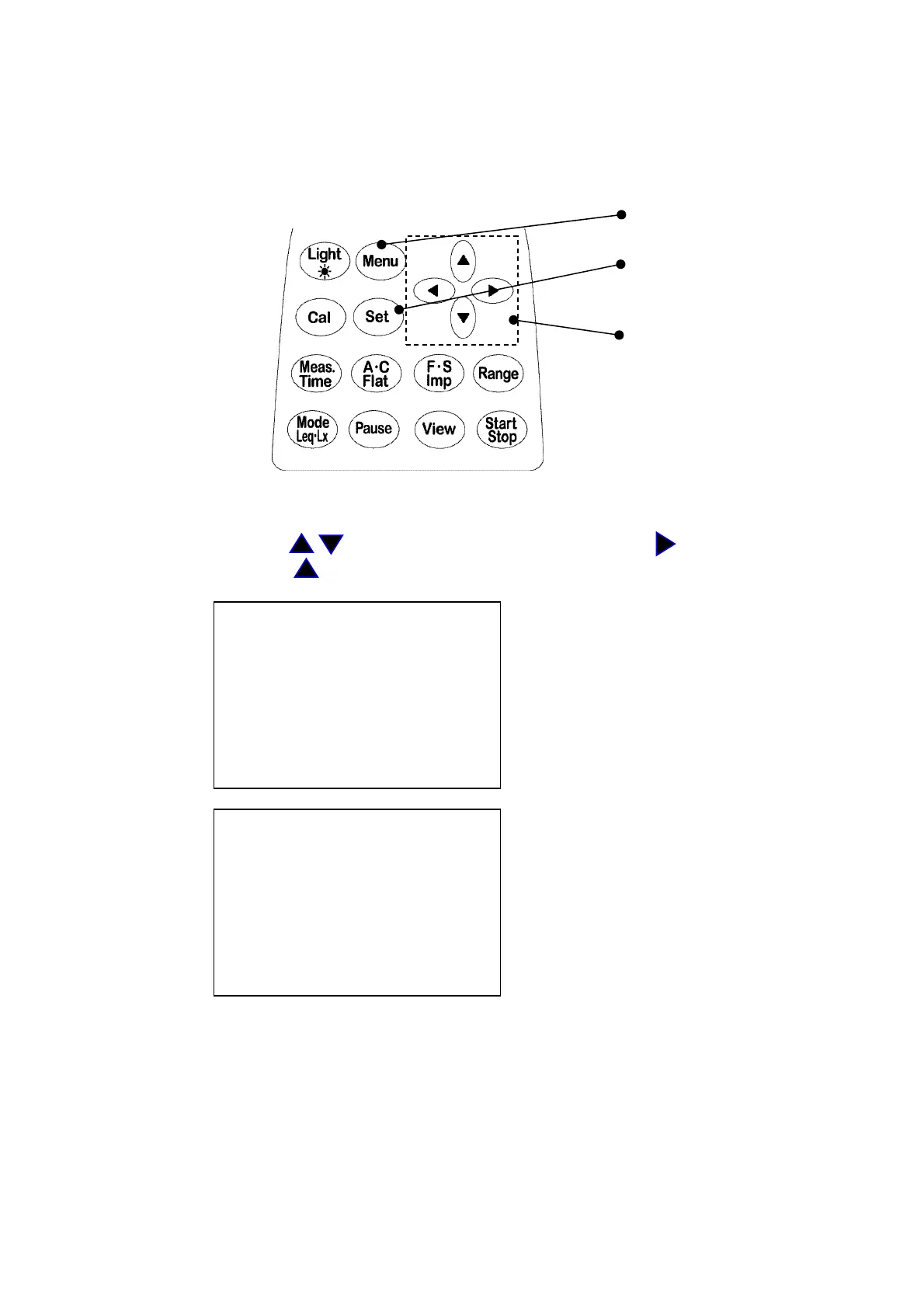
Menu key
Set key
Cursor key
Every time you press
Menu
key, <menu> and <Mode Set> pages are alternated.
Select an item with key and complete the selection with key, then change
the parameters with key.
<menu> 1/2 Basic setting for Meas Mode, Calendar,
Meas Mode : Manu LCD contrast etc.
Interval : Single
I/O : OFF
Data delet : OFF
LCD cont : *****
date y/m/d : 00/01/01
time : 00:00:00
<Mode Set> 2/2 Detailed settings for measurement
Range : 130dB
Dyn cher : FAST
Freq corr : A
Meas time : 1s
View : L05
baud rate : 9600



 To Next Page